DogPayCard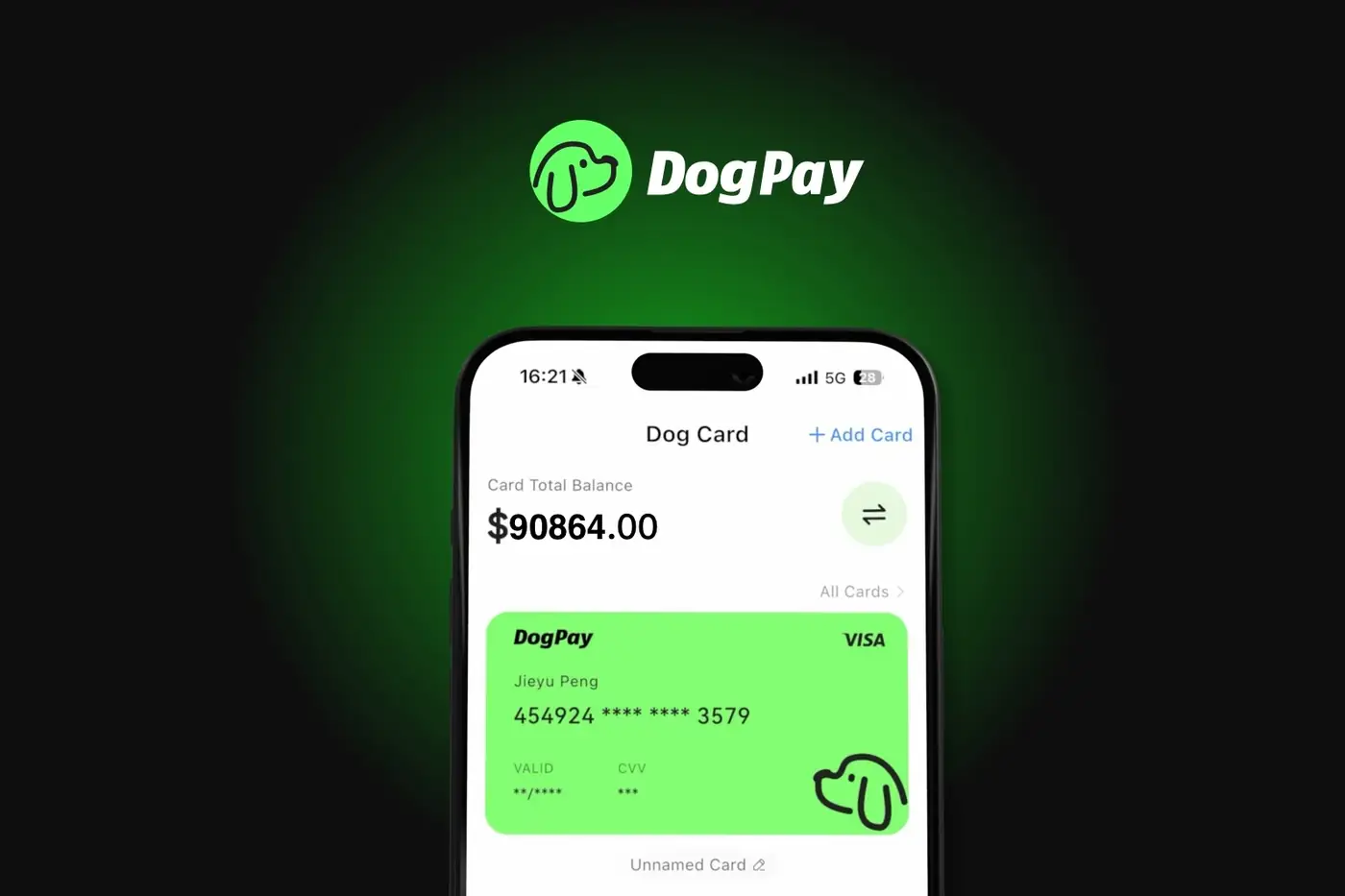
When a subscription payment fails, businesses often face service interruptions and administrative headaches. Common causes include insufficient funds, expired card details, or bank declines. To reduce these issues, consider using virtual cards designed for recurring billing.
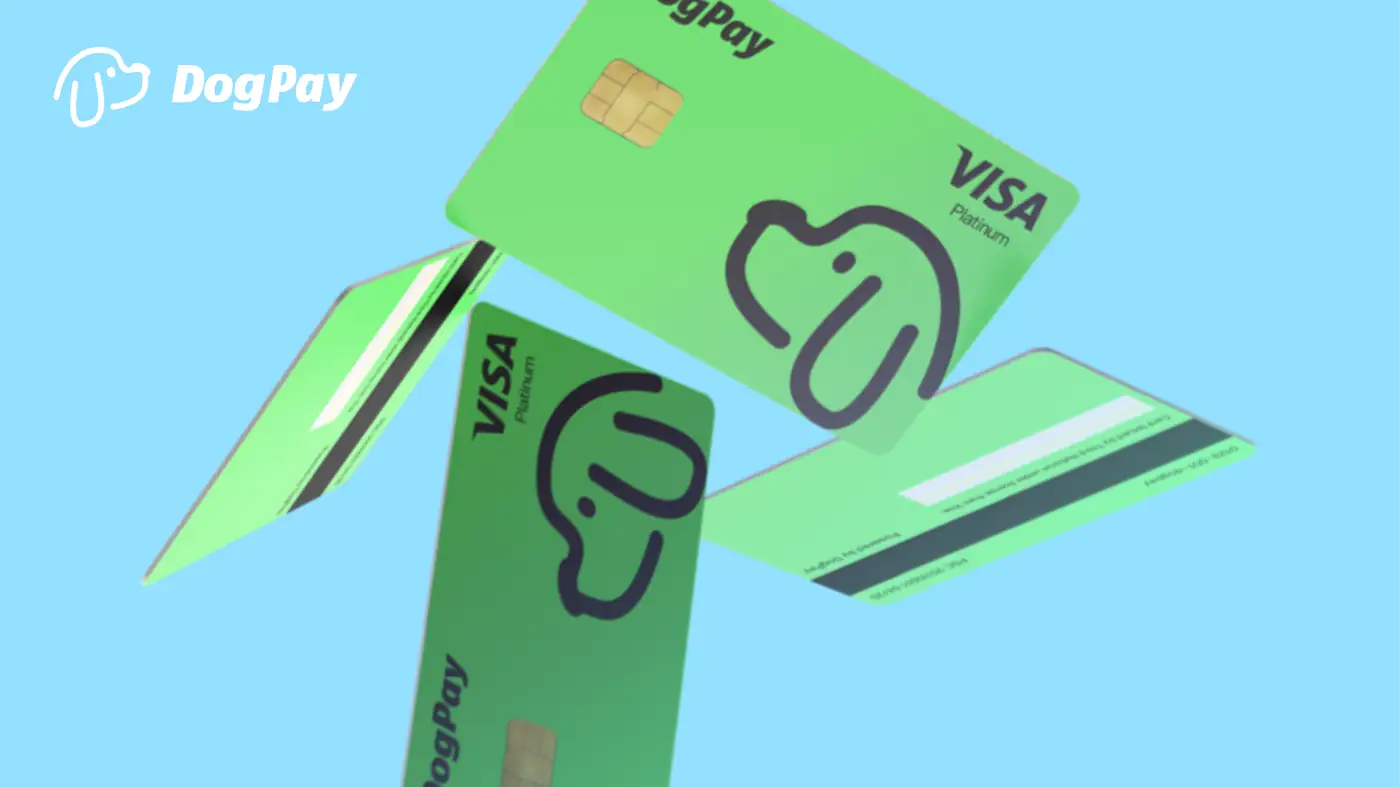
Start by reviewing your payment setup. Ensure the card linked to your subscription has sufficient balance and correct expiration date. With DogPay, you can create dedicated virtual cards for each subscription, making it easier to track and manage individual payments. This separation helps identify which vendor fails and why.
If a payment fails, check the card's transaction history and funding status. DogPay supports stablecoin settlement, which can offer flexibility in funding your payment operations. You can fund your global account and allocate funds to specific cards, potentially reducing the risk of insufficient balance.
Another practical step is to maintain a buffer. Keep extra funds available on your DogPay account or card to cover unexpected charges. However, DogPay does not provide automatic top-ups; you manage funding manually.
Moreover, using DogPay's spend visibility tools, you can monitor subscription expenses in real time. This helps you anticipate renewals and ensure funds are available. While DogPay cannot guarantee that all payments will succeed, its infrastructure may reduce friction in your recurring billing process.
DogPay fits into your workflow by offering virtual cards, global accounts, and stablecoin settlement. These tools help you manage subscriptions with dedicated cards, maintain spend control, and gain clarity on your payment operations. While not a cure-all, DogPay can support a more organized approach to handling subscription payment failures.