
How can I manage employee spend on global software tools with DogPay (without card chaos)?
 DogPayCard Editorial
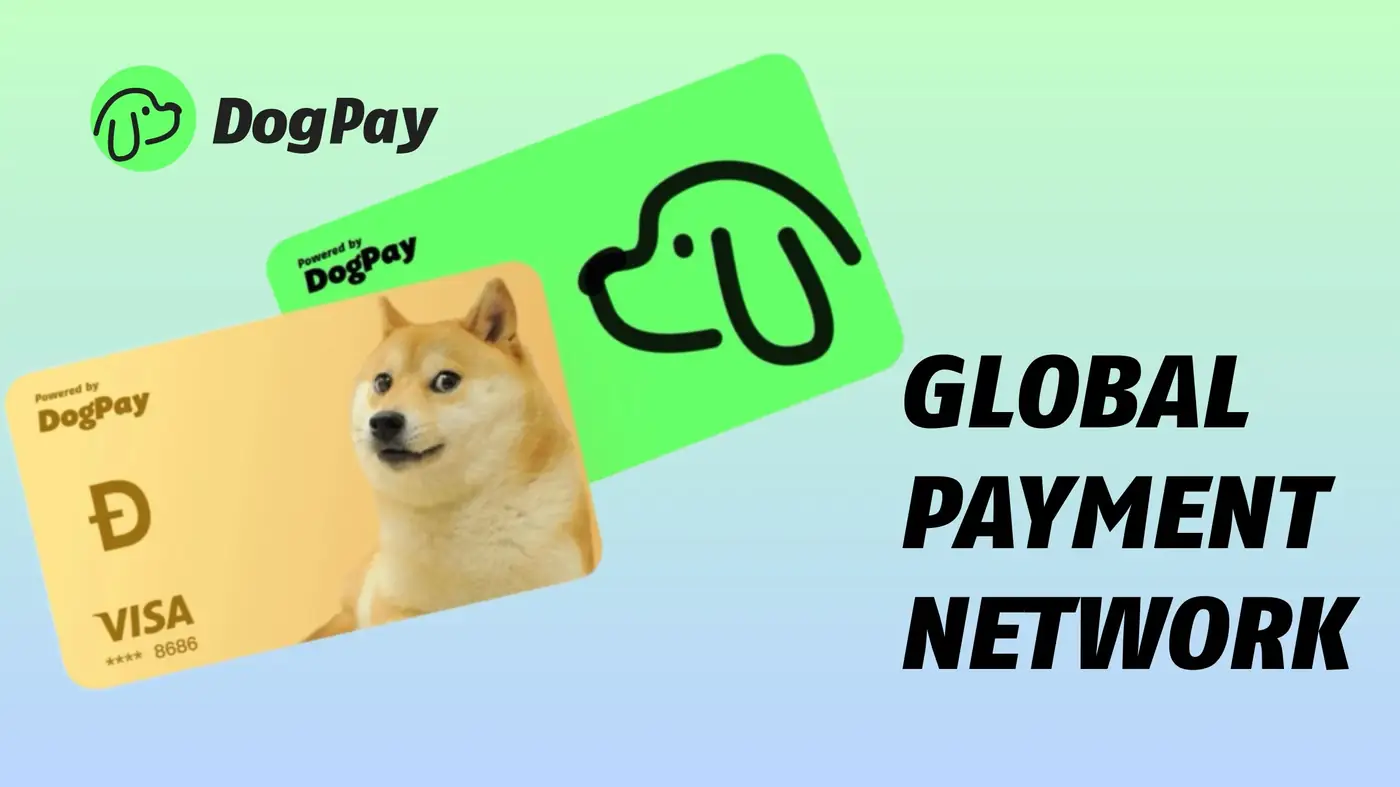
The problem: employee SaaS spend gets messy fast When multiple teammates are buying global software tools (design apps, dev tools, AI subscriptions, data platforms, plugins, etc.), spend control usually breaks in the same ways: One shared card becomes a bottleneck: everyone needs the number, receipts get lost, and cancelling a tool means replacing the card everywhere. Tools are bought ad-hoc: small monthly charges pile up across departments and you don’t notice until the statement lands. Renewals fail unexpectedly: a subscription rebills from another country or processor and suddenly the card is declined—then the team loses access mid-project. Offboarding is risky: an employee leaves, but the subscriptions they started keep charging because nobody knows where the card is saved.
If you’re trying to manage spend across global software vendors, you need two things at once: reliable payments and tight control.
Why card/subscription issues happen with global software tools Even if your corporate card works domestically, global SaaS billing has a few common failure points:
1. Cross-border risk checks International merchants and payment processors often run stricter fraud and verification rules. If the billing pattern looks unusual (new merchant, new country, new IP, sudden retry loops), payments can be rejected.
2. Merchant category or processor restrictions Some vendors are routed through processors or categories that trigger higher decline rates—especially for newer subscriptions, trials converting to paid plans, or sudden plan upgrades.
3. Recurring billing edge cases Renewals are not “normal” checkouts. They can behave differently (stored credential rules, authorization behavior, retries). A card that “