 DogPayCard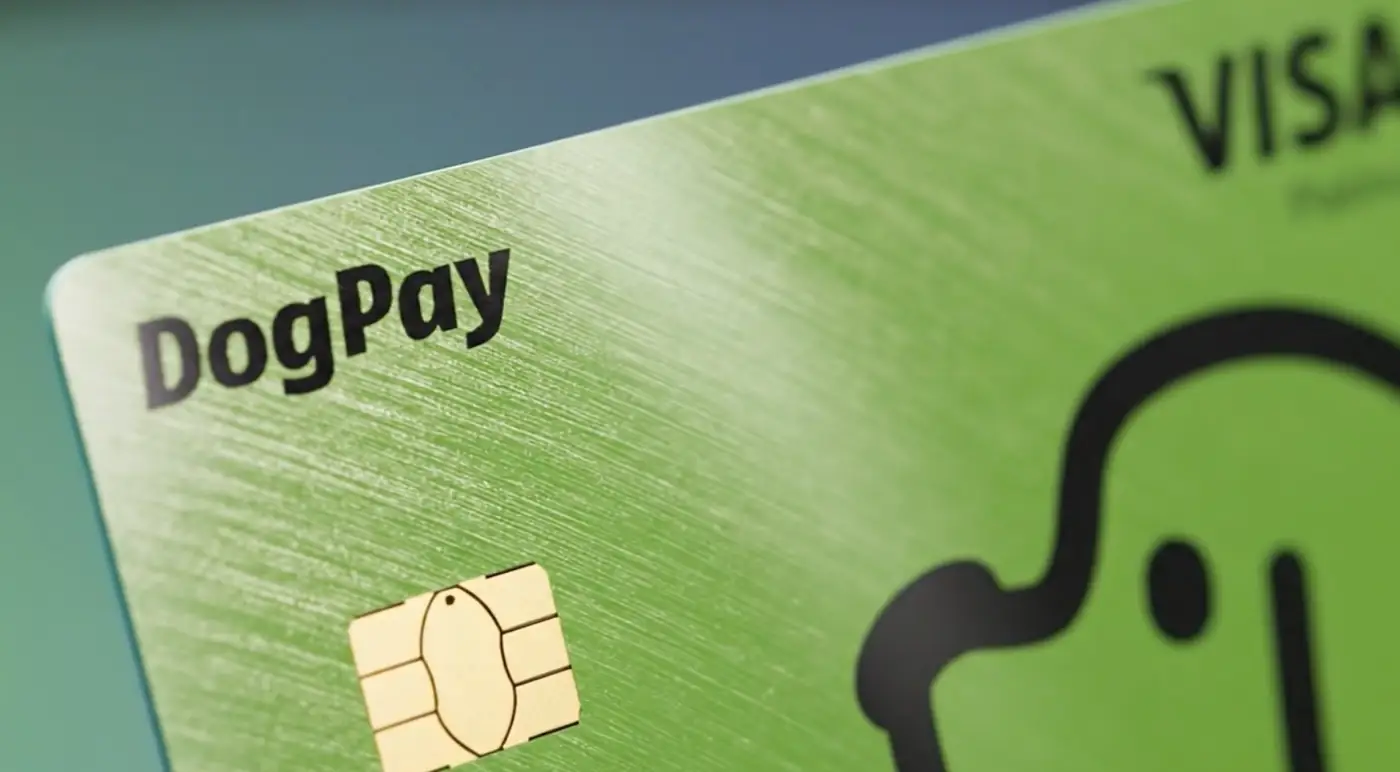
A declined SaaS card usually means a subscription, renewal, or usage charge did not go through. The cause may be a card limit, regional mismatch, risk flag, or an expired credential. The practical goal is to keep the vendor relationship active while you diagnose and reroute the payment.
How businesses can use DogPay when a SaaS payment card is declined:
1. Isolate the failing charge. Review the vendor invoice, amount, currency, and billing country. This helps separate a card problem from a subscription or account issue.
2. Use a dedicated virtual card. DogPay can help with virtual cards that are issued for specific vendors or spend categories. A dedicated card can make it easier to see which charges belong to which SaaS tool.
3. Fund through a global account or stablecoin settlement. DogPay can help with global accounts and stablecoin settlement workflows, which may support cross-border vendor payments where local card rails are less predictable.
4. Update the payment method with the vendor. Replace the declined card details in the SaaS billing portal, then confirm the next invoice or retry window.
5. Keep spend visibility. DogPay can help with spend visibility and payment operations, so teams can track card usage, vendor charges, and settlement status in one workflow.
6. Communicate with the vendor. Ask for a short grace period or an alternate invoice method while the new payment route is active.
DogPay fits this workflow as payment infrastructure: dedicated virtual cards for vendor-specific spend, global accounts for cross-border funding, stablecoin settlement where supported, and operational visibility over card and payment activity. It can help teams respond to a declined SaaS charge with a controlled payment route, but it does not guarantee approval, acceptance, or uninterrupted service from any vendor.

