DogPayCard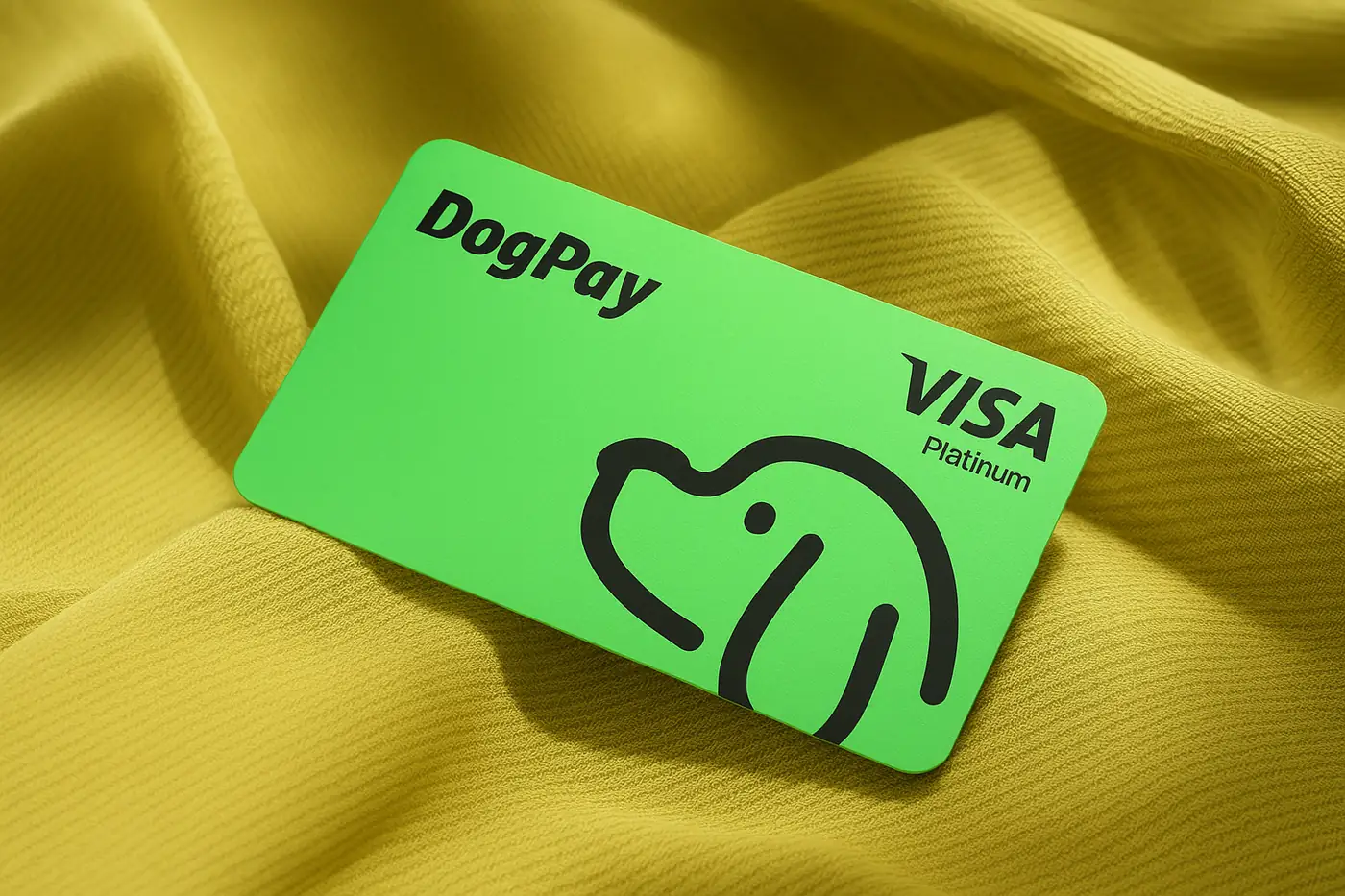
Businesses often rely on cloud services for infrastructure, AI APIs, and software subscriptions. Managing recurring invoices from vendors like AWS, Azure, Google Cloud, or OpenAI can become complex, especially when dealing with multiple currencies, strict budgets, or payment limits.
Virtual cards from DogPay offer a practical solution. You can generate dedicated card numbers for each cloud provider or subscription. This helps isolate spending, set spending limits per card, and track expenses more accurately. For example, assign one virtual card solely for OpenAI API usage and another for AWS compute services.
DogPay also supports stablecoin settlement (e.g., USDC, USDT). Businesses can fund their DogPay wallet with stablecoins and convert to fiat only when needed. This can reduce currency conversion costs and speed up payment flows.
Global accounts allow you to receive and hold funds in multiple currencies. You can pay invoices in USD, EUR, or other supported currencies without needing separate local bank accounts.
DogPay's wallet and payment infrastructure provides visibility into transaction history and spend patterns. You can view all cloud payments in one dashboard, making reconciliation simpler.
Important: DogPay does not guarantee acceptance by all merchants. Some cloud providers may have restrictions on prepaid or virtual cards. Always verify with the provider. DogPay does not automatically top up cards when balances run low; you must manage your wallet funds.
DogPay fits into the cloud billing workflow by offering dedicated virtual cards, global accounts, and stablecoin settlement. Businesses can use these tools to organize cloud spending, reduce manual payment tasks, and maintain control over budgets. Start by creating a DogPay account, fund it with stablecoins or fiat, generate virtual cards per vendor, and set your desired spending limits. Monitor all transactions from the dashboard to stay on top of cloud costs.