DogPayCard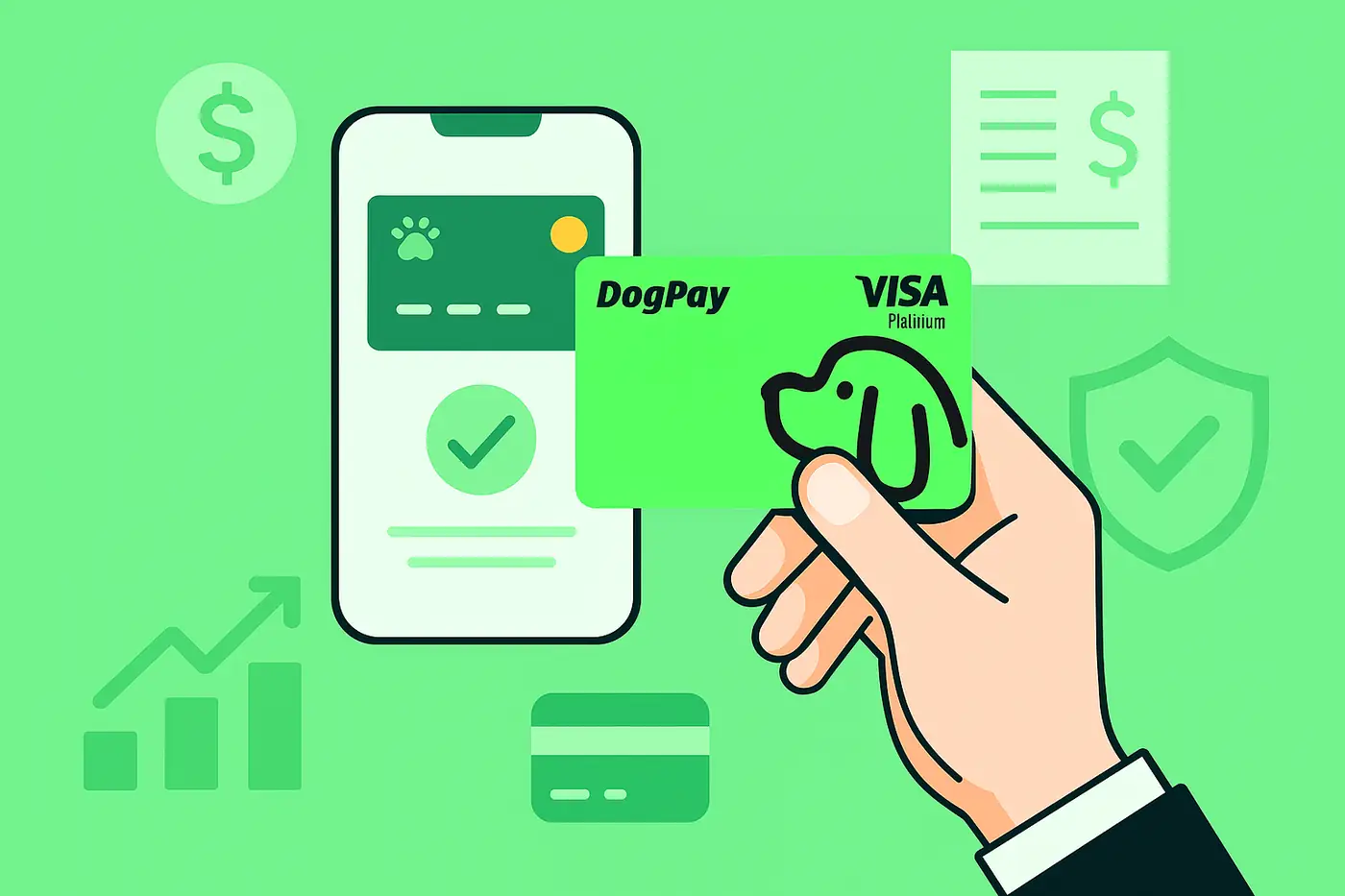
AWS bills can be complex, especially for businesses with multiple accounts, regions, or projects. Using DogPay virtual cards for AWS billing can simplify payment operations while giving you more control over cloud spend.
First, you need a DogPay account and a funded wallet. You can fund it with stablecoins or other supported methods. Once your wallet is ready, you can generate a dedicated virtual card for AWS billing. This card can be set with a specific limit, which helps you budget and avoid unexpected charges.
In your AWS console, go to Payment Methods under Billing. Add the DogPay virtual card as a new payment method. You can set it as the default for all or selected services. AWS will verify the card with a small authorization hold, which is standard. After verification, AWS starts charging that card.
DogPay's platform provides real-time transaction data. You can see every AWS charge, match it to a project or department, and export reports for accounting. This visibility helps with internal cost allocation and can reduce the time spent reconciling invoices.
If a charge is declined due to insufficient funds, you can top up your wallet manually or set up an alert to notify your finance team. DogPay does not auto-refill cards, so you need to monitor balances. You can also create multiple cards for different AWS accounts, each with its own spending limit.
For global teams, DogPay supports cross-border payments. AWS bills in USD, and DogPay can handle stablecoin settlement, which may reduce FX friction. However, card acceptance depends on AWS's card network and region.
In summary, DogPay can help businesses manage AWS cloud billing with dedicated virtual cards, stablecoin settlement, and spend visibility. It gives finance teams a practical way to control cloud costs and streamline payment operations, even though it does not guarantee every transaction will be accepted or that no failures will occur. Always keep your wallet funded and monitor card activity to avoid service interruptions.