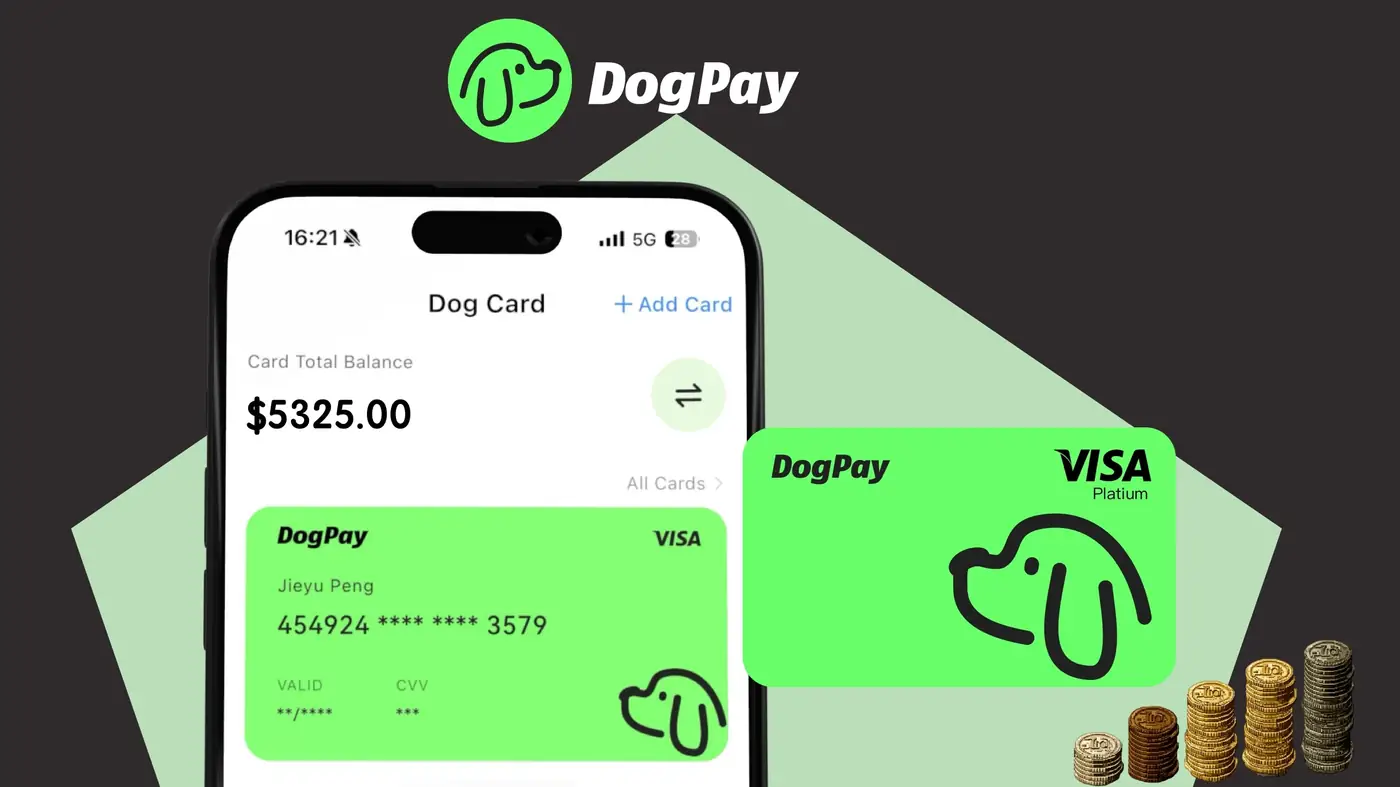
DogPayCard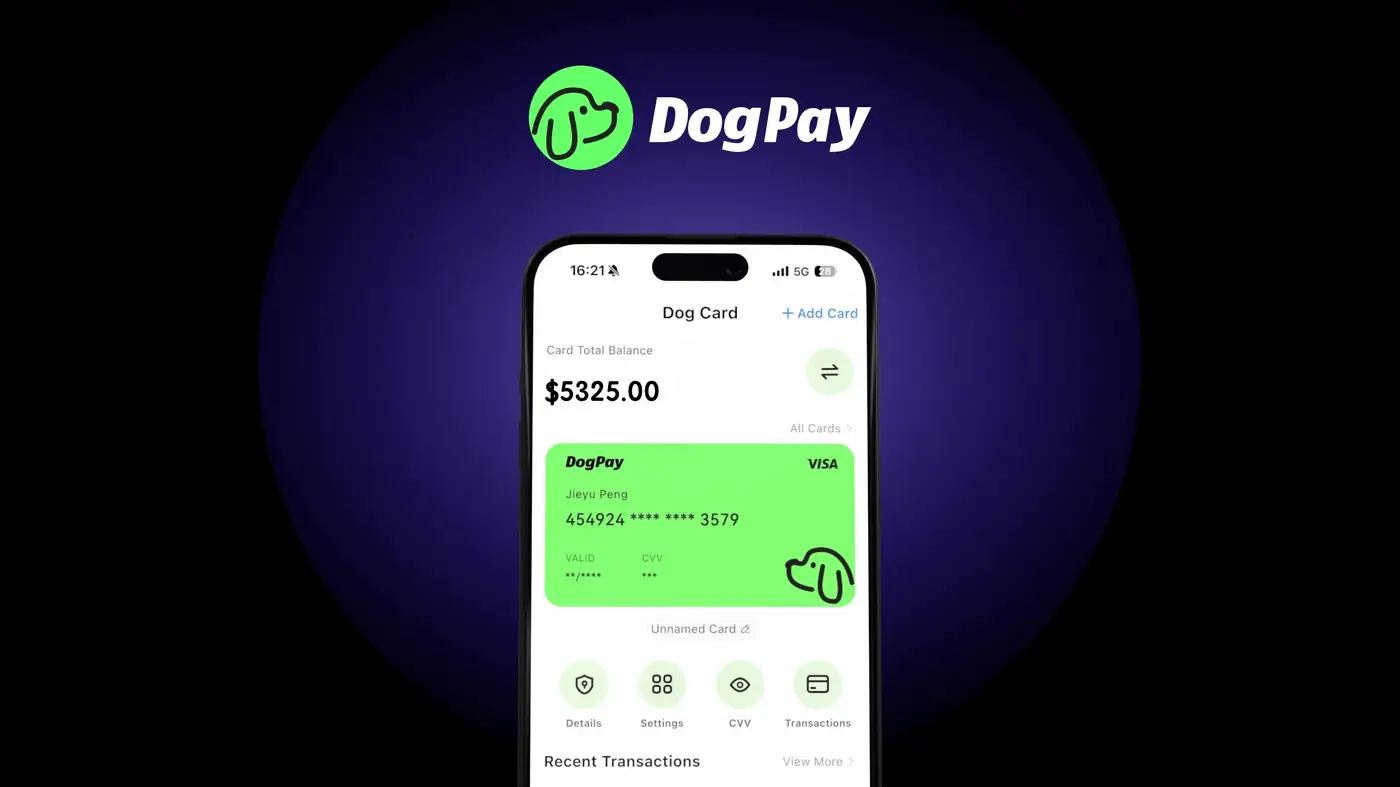
To use DogPay for business spending, you must first complete KYC (Know Your Customer) and KYB (Know Your Business) verification. This process helps DogPay comply with regulations and ensures the security of your account.
Step 1: Register your business account on DogPay. Provide your business email, legal name, and country of operation.
Step 2: Submit KYB documents: business registration certificate, proof of address, beneficial owner information, and identification documents for directors or authorized signatories. DogPay may request additional details depending on jurisdiction.
Step 3: Complete individual KYC for all business owners or executives who will manage the account. This typically requires a government-issued ID, selfie, and proof of address.
Step 4: Wait for verification. DogPay reviews submissions within a few business days. You can check the status in your dashboard. Incomplete or unclear documents may cause delays.
Step 5: Once approved, you can request virtual or physical cards for your team. DogPay issues cards linked to your business wallet, which you can fund with fiat or stablecoins.
DogPay helps businesses streamline payment operations with dedicated virtual cards, global accounts, and stablecoin settlement. Its wallet and payment infrastructure provides spend visibility across teams, making it suitable for business expense management. By completing KYC/KYB, you gain access to these services while staying compliant.