 DogPayCard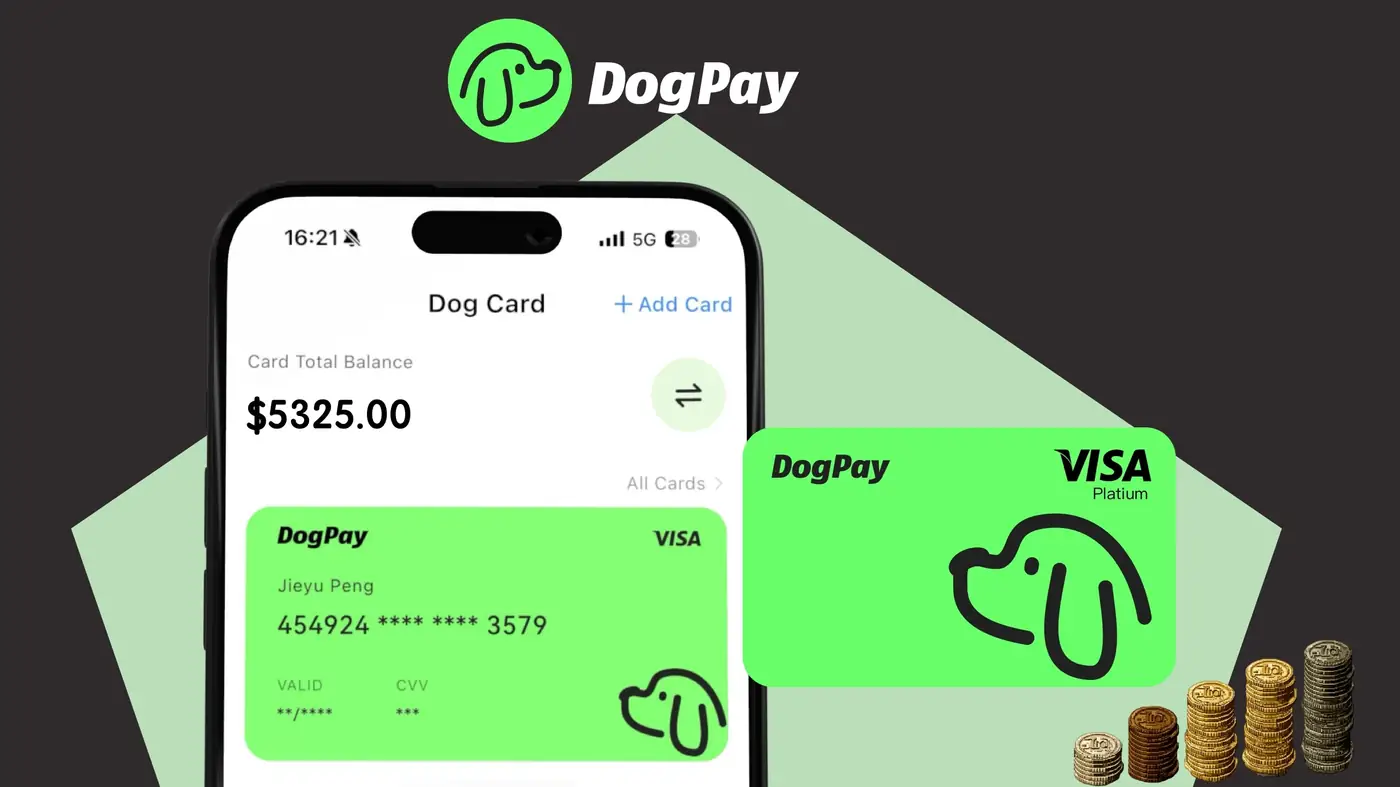
When managing business expenses, choosing between a prepaid card and a virtual card depends on how and where you spend. Both options from DogPay serve distinct purposes, and understanding their strengths helps you align them with your workflow.
Prepaid cards are typically physical cards loaded with funds in advance. They work well for predictable, in-person expenses like travel, team lunches, or emergency purchases. Because funds are limited to the loaded amount, prepaid cards naturally enforce a spending cap. However, they require manual reloading and may not be ideal for recurring or subscription-based payments.
Virtual cards, on the other hand, exist only in digital form. They are generated instantly and can be used for online transactions, SaaS subscriptions, ad spend, or any merchant that accepts card payments. Each virtual card can have its own spending limit and expiry date, giving you granular control over who spends what and where. This makes virtual cards excellent for separating expenses per project, department, or vendor without issuing multiple physical cards.
For example, you might use a prepaid card for a field sales rep who needs to pay for client dinners, while issuing virtual cards for your marketing team to manage ad campaigns across different platforms. Virtual cards also reduce the risk of card number misuse because they can be paused or deleted at any time.
A practical approach is to use prepaid cards for offline, one-off purchases and virtual cards for ongoing, digital, or remote payments. But many businesses find that a mix of both gives the best flexibility. For instance, your finance team can have a prepaid card for emergency office supplies, while virtual cards handle monthly software bills.
DogPay can help with dedicated cards, global accounts, stablecoin settlement, wallet/payment infrastructure, spend visibility, and payment operations. By combining prepaid and virtual cards, you gain clearer oversight of spending patterns and can adjust limits as needs change. Always verify that the merchant accepts the card type you plan to use, and consider keeping a backup payment method for unexpected declines. DogPay supports these workflows, but card acceptance and transaction success depend on the merchant and card network.

