 DogPayCard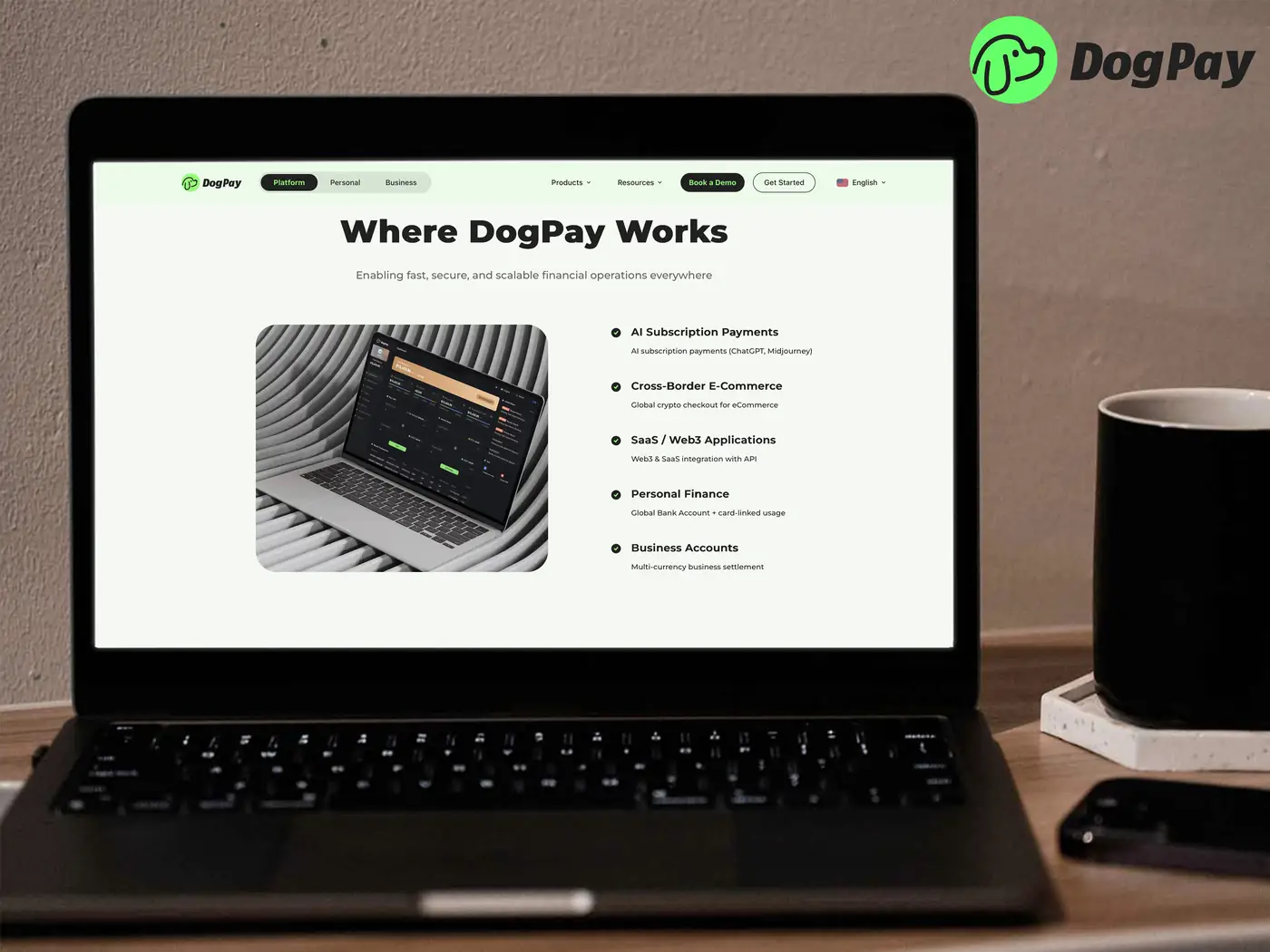
A SaaS payment card decline often happens when a card expires, a bank blocks an unfamiliar charge, or a subscription looks unusual to a fraud system. The practical question is how to keep essential tools funded while you fix the root cause.
First, identify the decline reason from the SaaS billing portal or your card issuer. Common causes include insufficient funds, incorrect billing details, regional restrictions, or a card that does not support recurring charges. Document the error message before changing payment methods.
Next, review your payment setup. Many businesses use DogPay virtual cards to separate SaaS subscriptions from general operating spend. A dedicated card per vendor can make it easier to see which subscription failed and reduce the chance that one decline affects unrelated payments. DogPay global accounts and wallet infrastructure can support payment operations across currencies, while stablecoin settlement can help teams move value where supported.
Then, update the payment method in the SaaS account with accurate company details and a card intended for that use. If the merchant requires a different currency or region, check whether your DogPay setup can support that workflow. Keep records of invoices, decline notices, and support tickets so finance can reconcile the change.
Finally, build a review routine. Track renewal dates, card expirations, and spend limits. Use spend visibility to catch unusual charges early. If a decline continues, contact the SaaS vendor and your payment provider rather than repeatedly retrying the same card.
DogPay fits into this workflow by offering virtual cards, global accounts, stablecoin settlement, and wallet and payment infrastructure for business payments. Teams can use DogPay to organize vendor payments, improve spend visibility, and respond to card declines with a clearer payment method. Availability and features depend on your jurisdiction and account setup, so confirm details with DogPay before relying on a specific flow.

