DogPayCard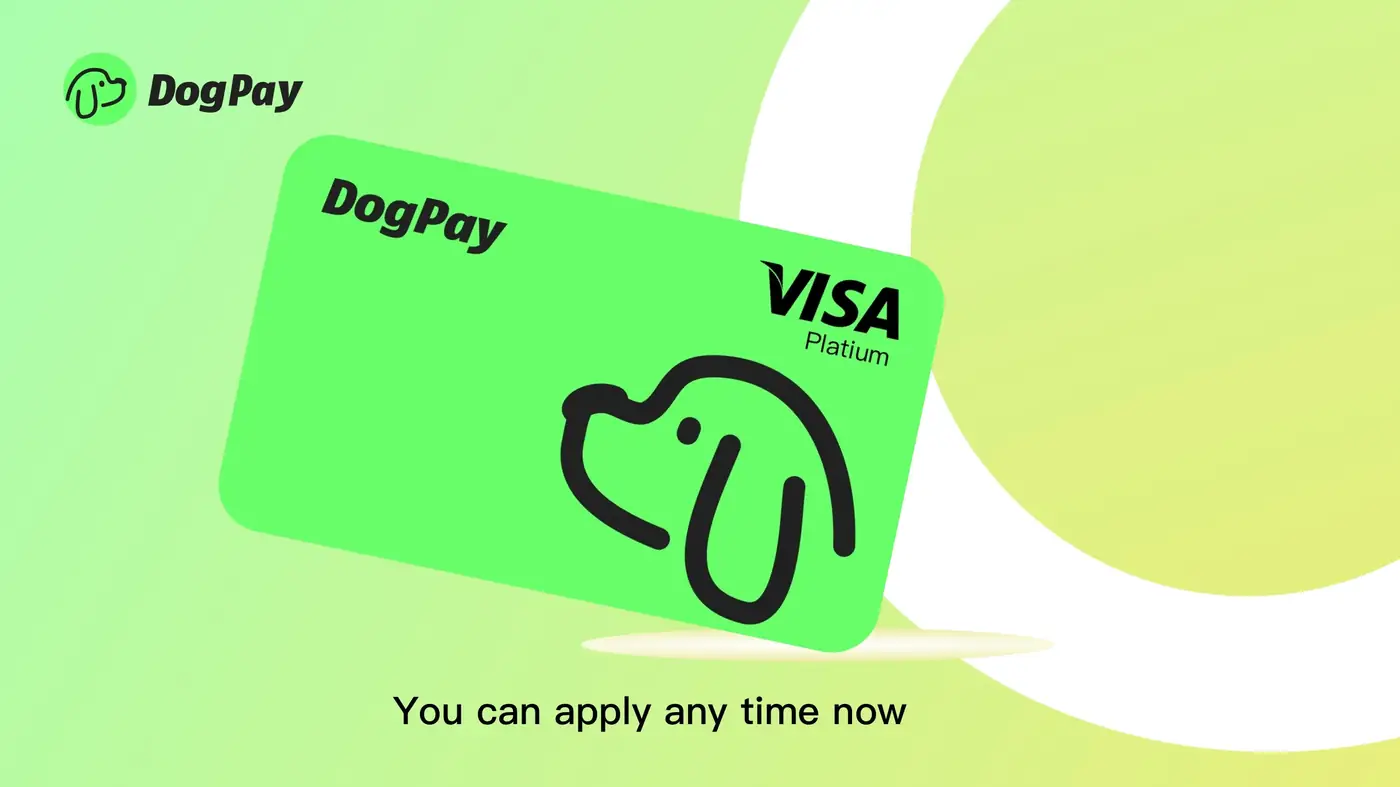
Cloud service invoices can be a recurring headache for finance teams. If you're looking for a flexible way to handle these payments, DogPay offers a modern approach that combines virtual cards, global accounts, and stablecoin settlement.
To start, you create a dedicated virtual card within DogPay for each cloud provider (e.g., AWS, Azure, Google Cloud). This card is linked to your DogPay wallet, which you can fund using supported stablecoins or other accepted methods. When your cloud invoice arrives, you can use the card details to pay directly on the provider's billing portal, just like a traditional credit card.
What makes DogPay useful is the ability to set spending limits on each card. You can assign a specific monthly cap to your cloud spending, which helps prevent unexpected overages. Additionally, the transaction history in DogPay gives you a clear record of each payment, simplifying reconciliation.
For businesses operating internationally, DogPay's global account features can be beneficial. You receive local account details in different currencies, which can reduce cross-border fees. Stablecoin settlement allows for faster clearing times compared to traditional bank transfers, potentially improving your payment workflow.
However, it's important to note that cloud providers must accept card payments for this method to work. DogPay does not guarantee acceptance by every provider, so verify your provider's payment options first. Also, while DogPay helps you manage and track payments, it does not automate top-ups or ensure payments never fail. You'll need to monitor your balance to keep cards funded.
In practice, DogPay fits into your cloud billing workflow as a payment infrastructure layer. It gives you dedicated cards, global reach, and stablecoin flexibility, while providing the visibility and control your finance team needs. By using DogPay, you can streamline how you pay for cloud services, but remember to maintain sufficient funds and stay informed about your provider's payment acceptance.