DogPayCard
Running Google Ads across multiple campaigns can make budget control a challenge. DogPay virtual cards offer a practical way to manage ad spend with dedicated card details for each campaign or ad account. By assigning a specific card to a campaign, you can set spending limits that help keep costs predictable and simplify tracking. This approach gives you a clear view of where your ad budget goes, making it easier to adjust bids or pause underperforming campaigns without waiting for monthly statements.
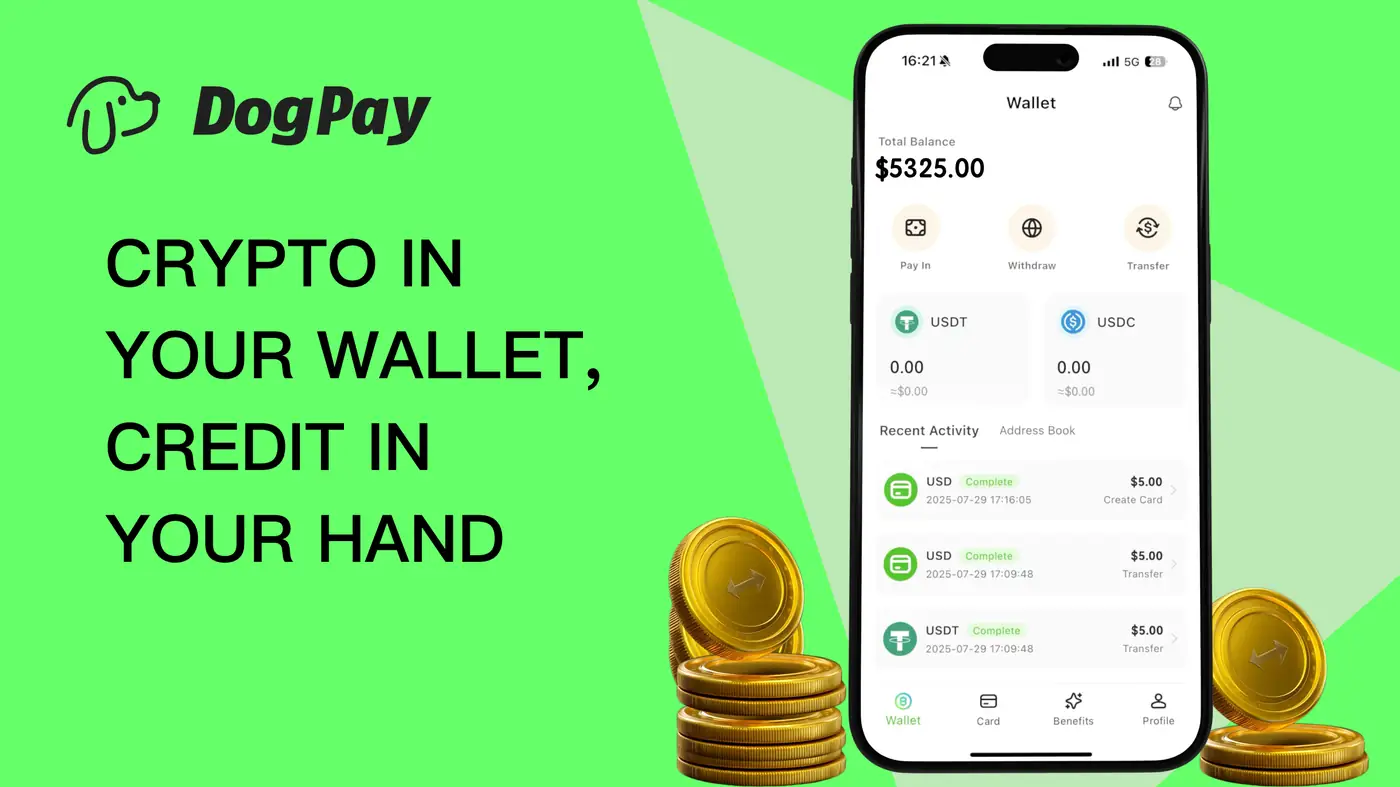
DogPay supports stablecoin settlement and global account capabilities, which can be useful for teams paying in multiple currencies or working across borders. The virtual cards work within DogPay's wallet and payment infrastructure, allowing you to fund cards from your DogPay balance and monitor transactions in real time. While DogPay does not guarantee ad approval or performance, the visibility and control it provides can support more disciplined spend management.
For businesses looking to bring more structure to their Google Ads payments, DogPay can be part of the workflow. You can create cards for specific campaigns, set limits, and track spending through the DogPay dashboard. This helps finance teams reconcile ad costs more efficiently and gives marketers a clearer picture of their return on ad spend. By using dedicated virtual cards, you can reduce the friction of manual expense tracking and keep your advertising budget aligned with your business goals.