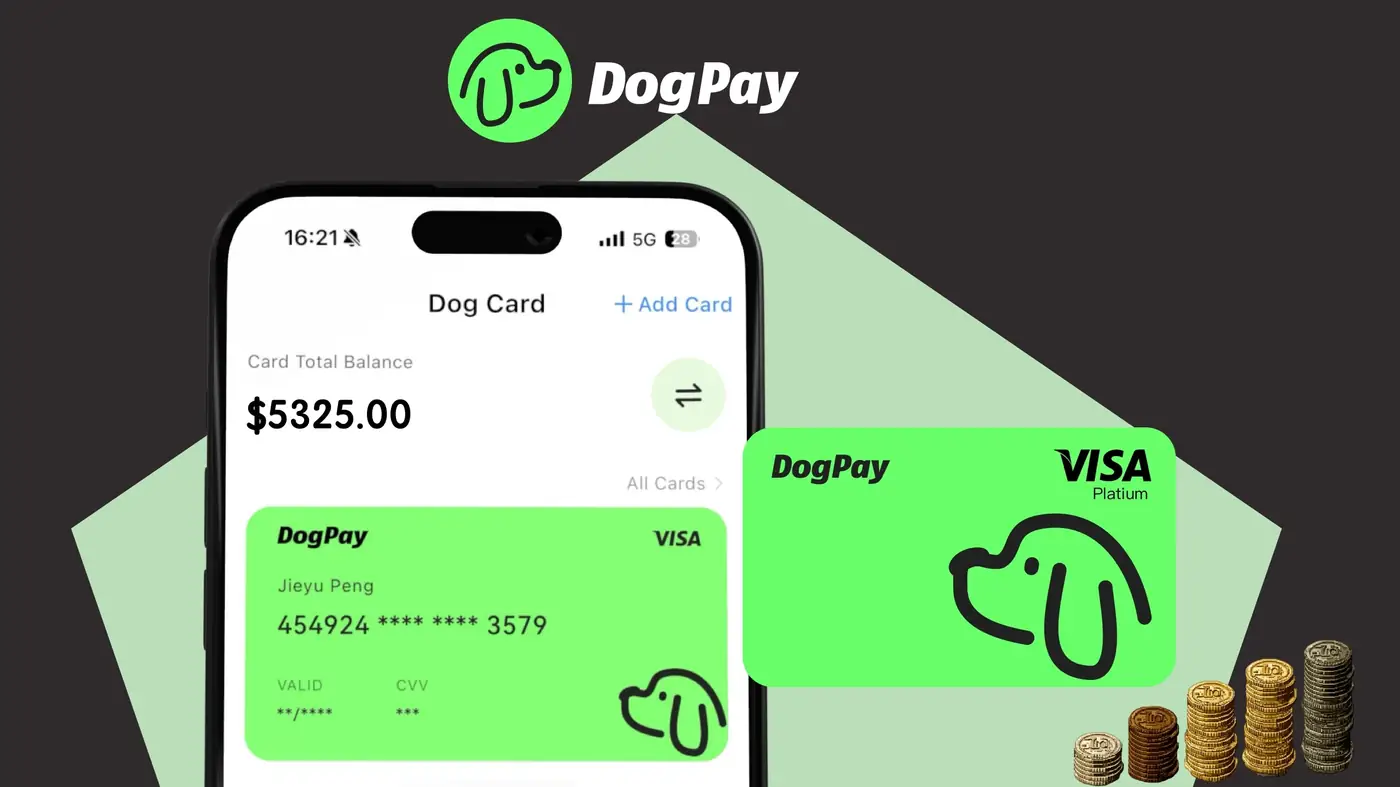
DogPayCard
Reconciling corporate card spend can be time-consuming, especially when managing multiple virtual cards across different teams. DogPay provides webhook notifications that automatically send transaction data to your accounting or ERP system, enabling real-time reconciliation without manual entry.
To set up webhook reconciliation, first create a webhook endpoint in your business's backend that can receive POST requests. Use DogPay's Dashboard to configure the webhook URL and select the events you want to listen for, such as `transaction.created`, `transaction.settled`, or `card.charge`. Each event payload includes details like amount, currency, merchant, card ID, and metadata you've attached to the card.
When a transaction occurs, DogPay sends a JSON payload to your endpoint. Your system can then match this data against purchase orders, budgets, or expense reports. For example, if you tag cards with a project ID in metadata, you can automatically allocate costs to the correct cost center.
DogPay webhooks support stablecoin settlement via USDC, USDT, and EUROC. This means your reconciliation system can process both fiat and crypto transactions through a single integration. Additionally, webhooks can trigger notifications for spend limits or unusual activity, helping you stay on top of budgets.
By integrating webhooks, businesses can reduce manual reconciliation effort, minimize errors, and gain real-time spend visibility. DogPay's infrastructure is built for global operations, supporting multiple currencies and payment networks.
DogPay helps businesses streamline payment operations by providing dedicated virtual cards, global accounts, stablecoin settlement, and webhook-based spend tracking. While each business's setup may vary, DogPay offers the tools to build an automated reconciliation workflow that fits your needs.