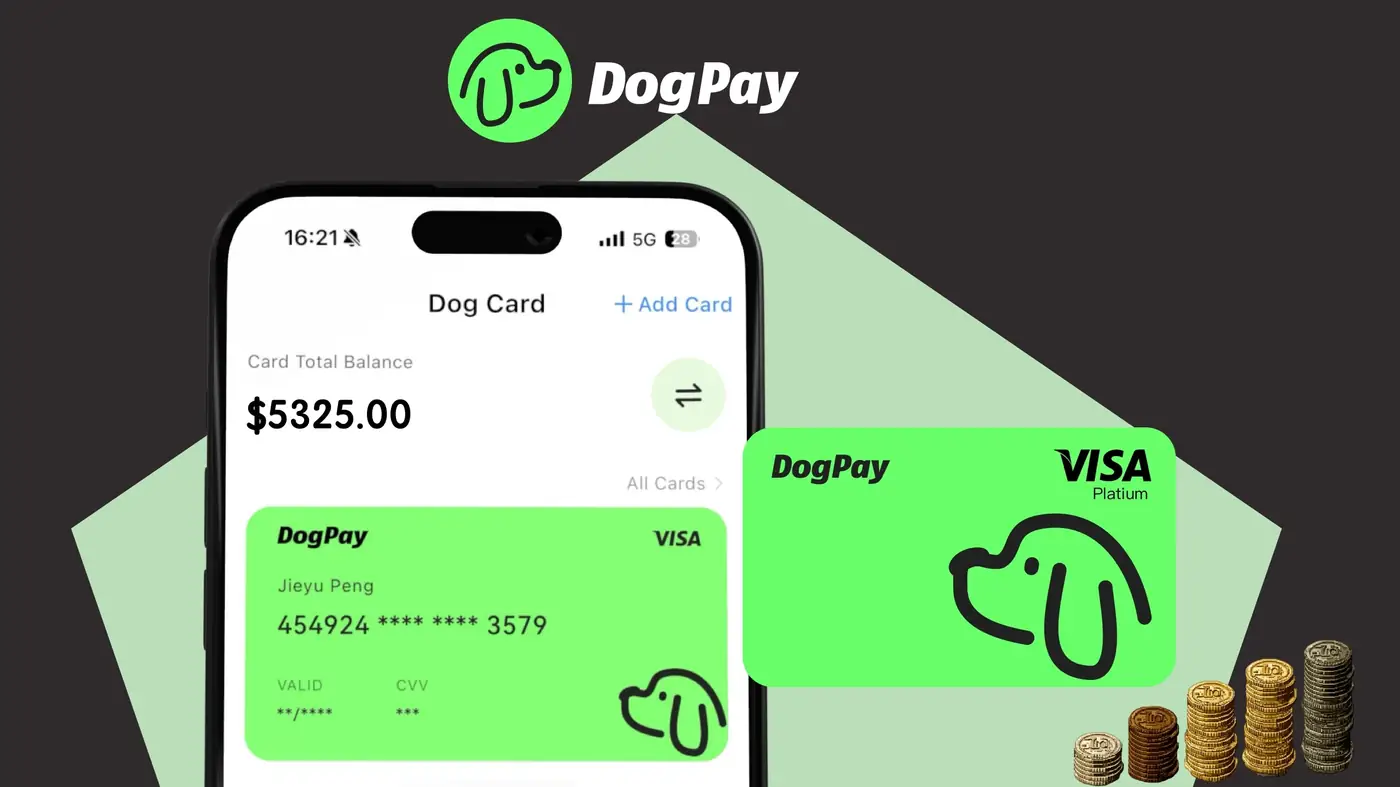
To use DogPay for business card setup, you must first complete Know Your Customer (KYC) and Know Your Business (KYB) verification. This ensures compliance with anti-money laundering regulations and secures the platform for all users. The process begins by registering your business account and submitting the required documents. For KYC, you need personal identification of the beneficial owner or director, such as a passport or driver's license. For KYB, you provide business registration documents, proof of address, and possibly a certificate of incorporation. DogPay may also request information about the company's ownership structure, source of funds, and intended use of cards. After submission, DogPay's compliance team reviews the documents. The review time depends on the completeness and accuracy of the information provided. Once approved, you can set up virtual cards, fund them via stablecoins (like USDC or USDT), and start making payments. Cards can be used for online purchases, subscriptions, ad spend, and supplier payouts. DogPay fits into your payment workflow by providing dedicated virtual cards for each expense category, global accounts to hold and convert currencies, and stablecoin settlement for fast, low-cost transactions. The platform offers wallet and payment infrastructure that integrates with your existing systems, giving you spend visibility and control. Remember that card usage is subject to available balance and compliance with DogPay's terms. No guarantees are made regarding approval speed or acceptance by specific merchants.
Card Setup / 5 min read
How can businesses use DogPay for KYC KYB in card setup?
DogPay requires businesses to complete KYC/KYB verification before issuing virtual cards. Learn the steps, required documents, and how DogPay fits your payment workflow.

DogPayCard Editorial