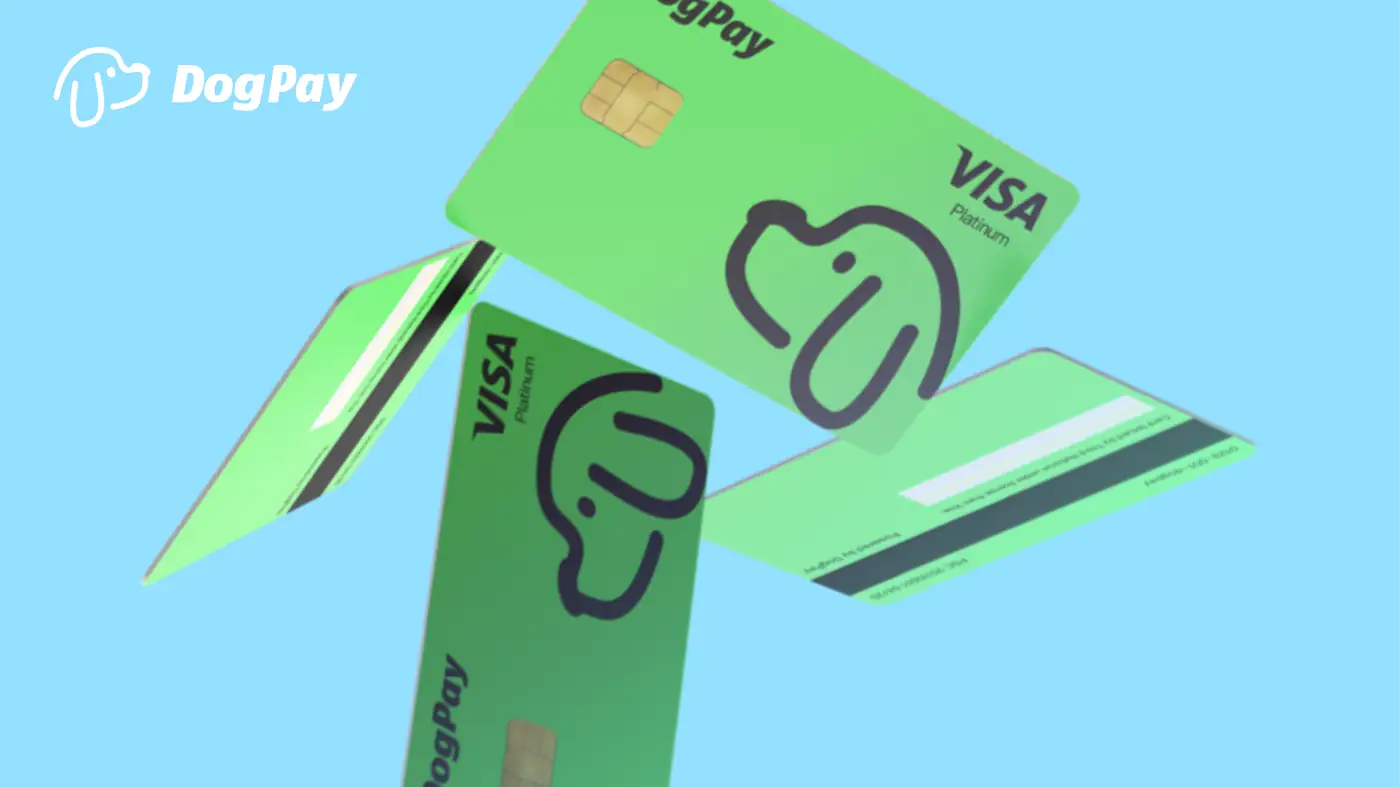
DogPayCard
To use DogPay for business spending, companies must first complete identity verification for the entity (KYB) and its beneficial owners (KYC). The process is designed to meet compliance standards while enabling access to virtual cards and global accounts.
Steps for KYC/KYB completion: 1. Register your business on the DogPay platform. Provide legal name, registration number, and jurisdiction. 2. Submit documents such as certificate of incorporation, proof of address, and identification for directors and shareholders. 3. Wait for verification, which typically takes 1-3 business days. DogPay may request additional information. 4. Once approved, you can set up dedicated virtual cards for team members or specific spend categories.
After verification, businesses can fund their DogPay wallet using supported stablecoins or fiat. Cards can be issued instantly and used for online purchases, ad spend, cloud services, or supplier payouts. Spending limits and controls can be managed per card.
DogPay supports Web3-native payment workflows by combining virtual cards with stablecoin settlement. This helps businesses streamline international payments, reduce currency conversion friction, and maintain visibility over spending. While not a bank, DogPay provides infrastructure for compliant payment operations in the digital economy.