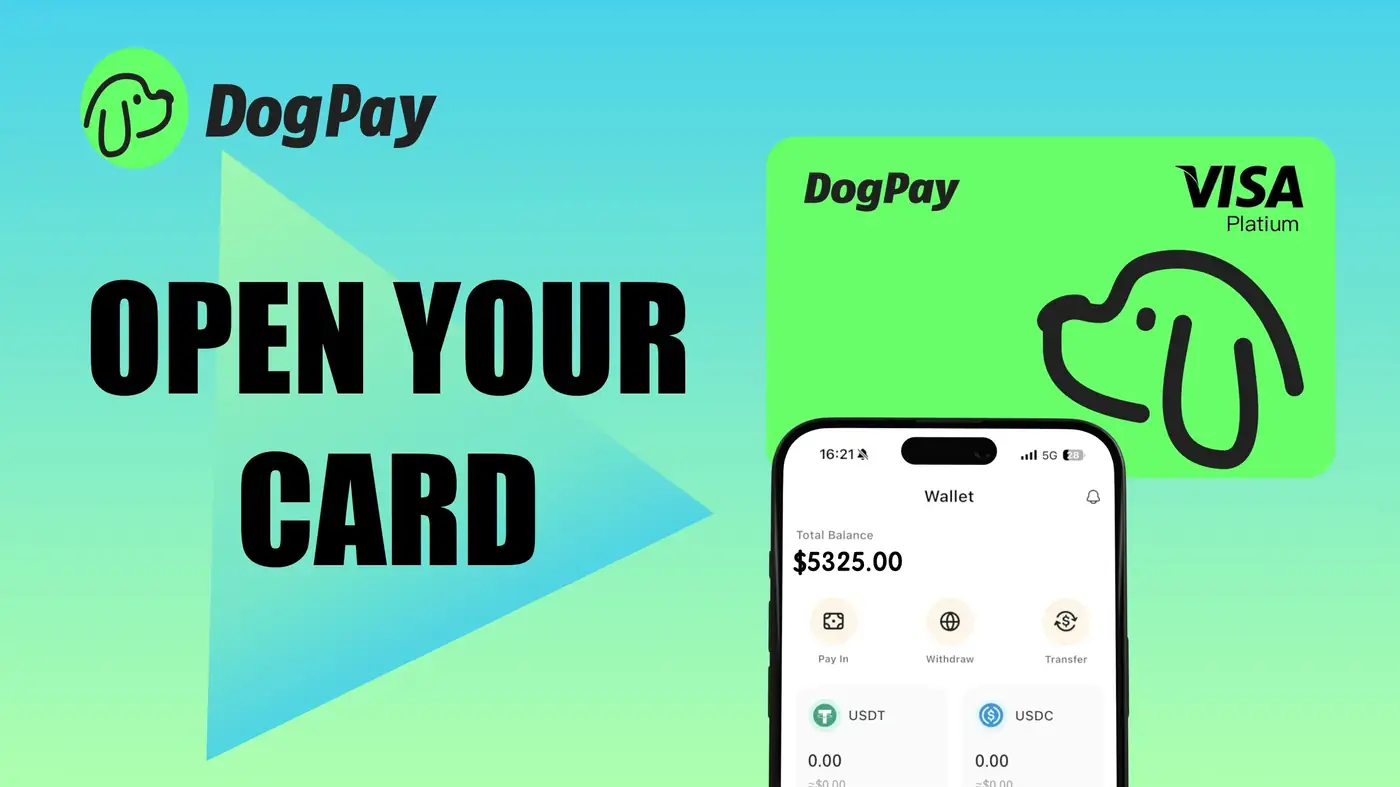
Paying for Google Cloud services can be a headache, especially when you need to manage multiple projects and budgets. DogPay offers virtual cards that can be used to pay your Google Cloud billing directly. Here's how it works: First, you create a DogPay global account and load it with stablecoins like USDC. Then you generate a virtual card specifically for your Google Cloud billing. You can set a dedicated card for cloud costs, which helps you track spending and avoid mixing it with other expenses. When you update your payment method in the Google Cloud console with your DogPay card details, you can use it for both automatic and manual payments. DogPay also provides spend visibility, so you can monitor transactions in real-time and reconcile them with your cloud usage. This setup is particularly useful for businesses that want to leverage crypto for operational expenses without converting funds back and forth. While DogPay doesn't guarantee that every transaction will be accepted, its cards are designed to work with major cloud providers. For stablecoin settlement, DogPay converts your crypto to fiat at the point of transaction, making the process smooth. To get started, you need to complete DogPay's verification process, which includes standard compliance checks. Once your account is active, you can create as many virtual cards as you need, each with its own limits and controls. This flexibility allows you to allocate budgets for different teams or projects. In summary, DogPay streamlines your cloud billing by offering a payment method that bridges crypto and traditional cards, helping you manage costs effectively.
Cloud Billing / 5 min read
How to Pay Google Cloud Billing with DogPay Virtual Cards
Learn how DogPay virtual cards can help you pay Google Cloud bills with stablecoins, manage spend, and keep cloud infrastructure running.

DogPayCard Editorial