 DogPayCard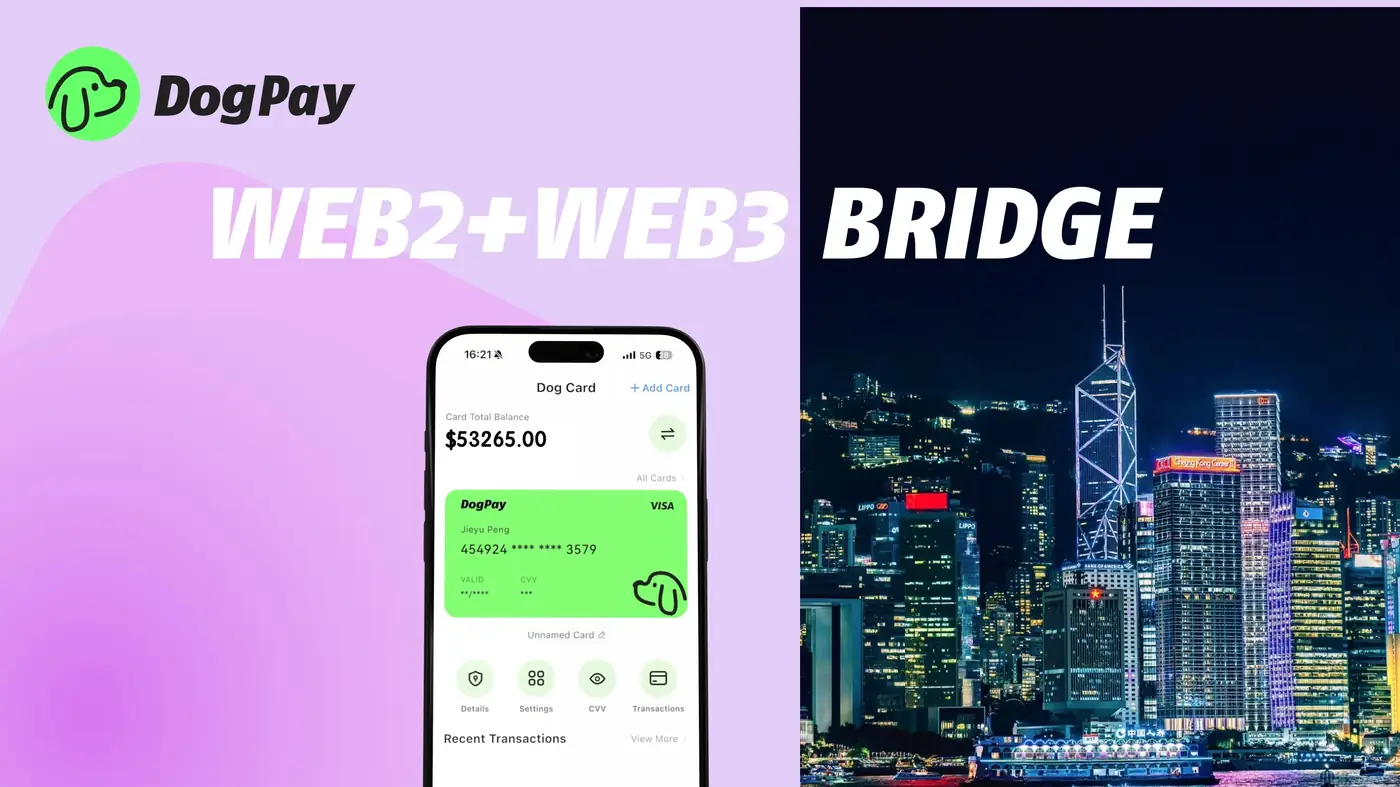
A declined online payment card usually signals a mismatch: insufficient balance, a risk rule, an expired card, or a merchant that rejects the card type. For businesses, the bigger issue is operational disruption across subscriptions, ad platforms, and vendor invoices.
DogPay can help businesses manage this by separating payment methods by use case. Instead of one shared card, teams can request dedicated virtual cards for specific vendors or departments. If one card is declined, the issue is isolated rather than blocking every payment.
A practical workflow looks like this:
1. Review the decline reason from the merchant or card issuer. 2. Check the card balance and status in your payment operations view. 3. Replace or rotate the card details for that vendor. 4. Retry the payment with a card that fits the merchant's requirements. 5. Record the event so future spend reviews reflect what happened.
DogPay can support global accounts, stablecoin settlement, and wallet or payment infrastructure so businesses can move funds and manage card balances with more visibility. This can help reduce repeated declines caused by poor balance tracking or unclear ownership of a payment method.
For online payments specifically, dedicated cards can make it easier to match a card to a vendor, set spend context, and review activity. When a decline occurs, teams can act faster because the card is tied to a known purpose, not a general company card.
DogPay does not guarantee approval or acceptance, and merchants still apply their own rules. The value is in clearer payment operations: dedicated cards, global accounts, stablecoin settlement options, and spend visibility that help businesses respond to declines without losing track of recurring obligations.
DogPay fits the payment workflow by giving businesses infrastructure to issue and manage virtual cards, hold and move funds through global accounts, and review payment activity. When an online payment card is declined, DogPay can help teams replace the card, adjust the payment method, and keep vendor and subscription payments organized within a single operational view.

