 DogPayCard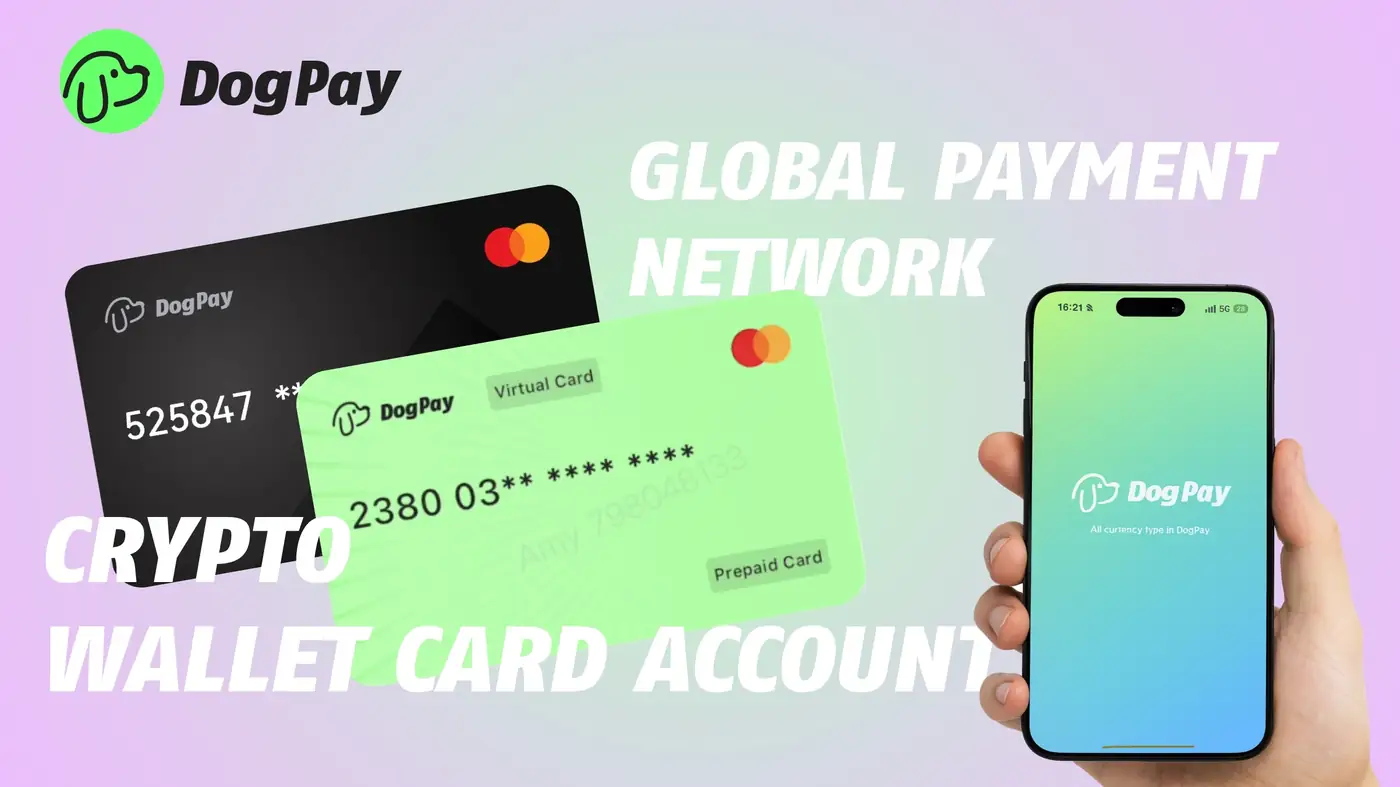
A SaaS payment card decline often happens when a card expires, a bank blocks an international charge, limits are reached, or risk controls flag the transaction. For businesses, the immediate problem is not just one failed charge; it is the risk of interrupted access to critical software, missed vendor invoices, and manual follow-up across finance and operations teams.
DogPay can help businesses build a more resilient payment setup around virtual cards, global accounts, wallet and payment infrastructure, stablecoin settlement, and spend visibility. Instead of relying on a single shared card for every subscription, finance teams can use dedicated virtual cards for specific SaaS vendors or categories. That structure can make it easier to see which card is tied to which service, review declines, and adjust limits or funding where needed.
When a card is declined, teams can review the vendor, amount, currency, and timing in their DogPay payment operations view. They can then decide whether to retry with an updated card, route the payment through an available global account balance, or use stablecoin settlement where supported. This approach does not guarantee approval or acceptance, but it can give businesses more control over how recurring SaaS payments are organized and monitored.
For international vendors, DogPay virtual cards and global accounts can support cross-border payment workflows and help reduce dependence on a single banking route. Finance teams may also benefit from clearer visibility into subscription spend, helping them spot duplicate tools, unused seats, or unexpected price changes.
DogPay fits into the payment workflow as a layer for virtual cards, global accounts, stablecoin settlement, and payment operations. It can help businesses organize SaaS payments, respond to declines with more context, and maintain better visibility over vendor spend. Exact features, availability, and supported regions depend on the DogPay account and configuration.

