DogPayCard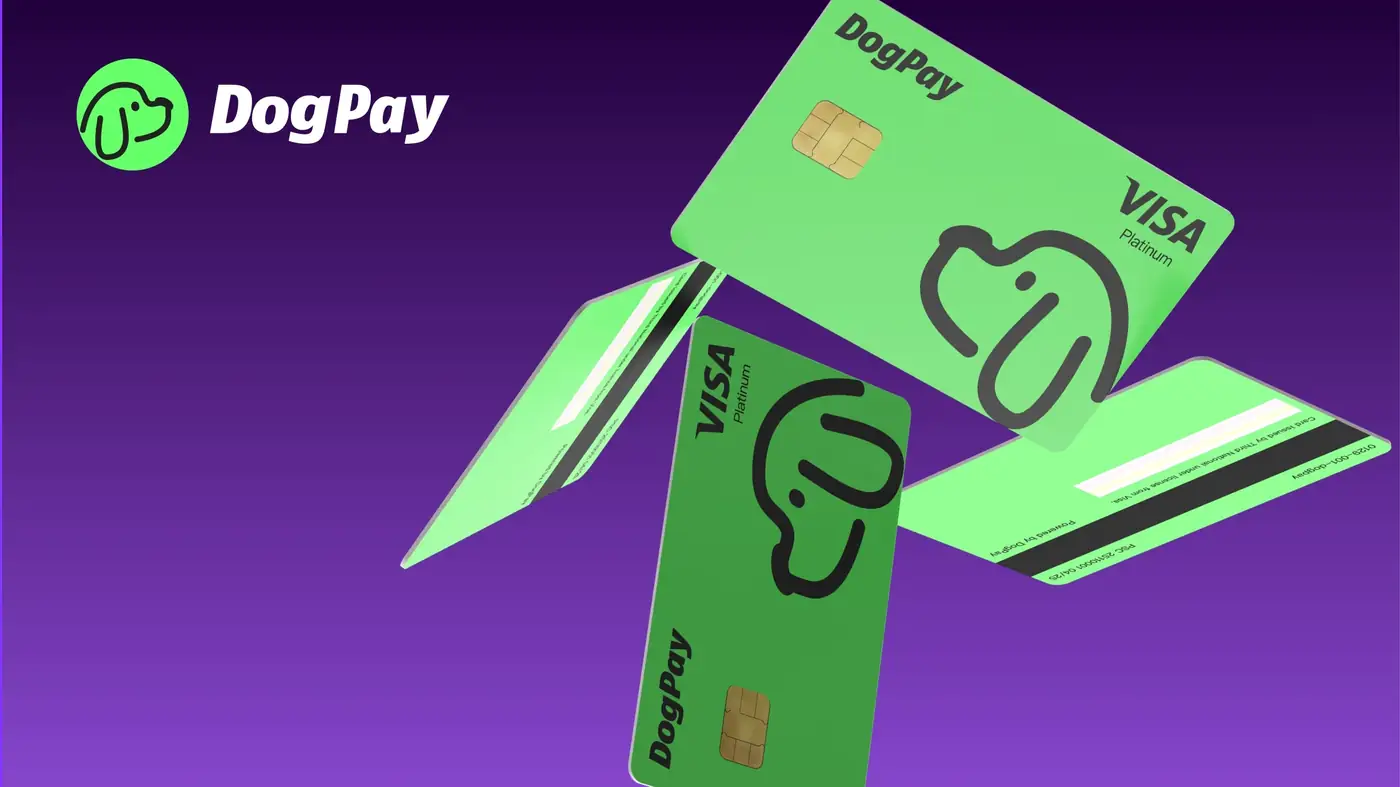
Managing recurring subscriptions like Claude for a team can get messy if you rely on a single shared card. A DogPay virtual card lets you assign a dedicated payment method to your Claude subscription, which can separate that cost from other software expenses. This approach gives you clearer visibility into what you spend on AI tools each month.
To set this up, you would first ensure your DogPay account is funded, likely via stablecoin settlement or a global account transfer. Then, generate a virtual card and use its details (number, expiration, CVV) at the Anthropic billing portal. Many businesses use a card specifically for subscriptions to avoid mixing budgets. If your team has multiple Claude accounts, you could create separate virtual cards for each one, which may simplify tracking and approval workflows.
Keep in mind that DogPay does not guarantee acceptance by every merchant. Card networks and processors can decline transactions for reasons unrelated to the card itself, such as merchant restrictions or insufficient funds. Also, note that DogPay does not auto-refill cards; you must manually top up or allocate funds as needed. For compliance, ensure your use aligns with Anthropic's terms and your own internal policies.
DogPay can support subscription management through dedicated virtual cards, global accounts, stablecoin settlement, and spend visibility. It provides the infrastructure to create and manage cards, but you are responsible for funding and monitoring them. For a business, this structure can help maintain control over recurring AI costs and keep financial operations in order.