
How to Pay Vercel Billing with a DogPay Virtual Card for Business?
 DogPayCard Editorial
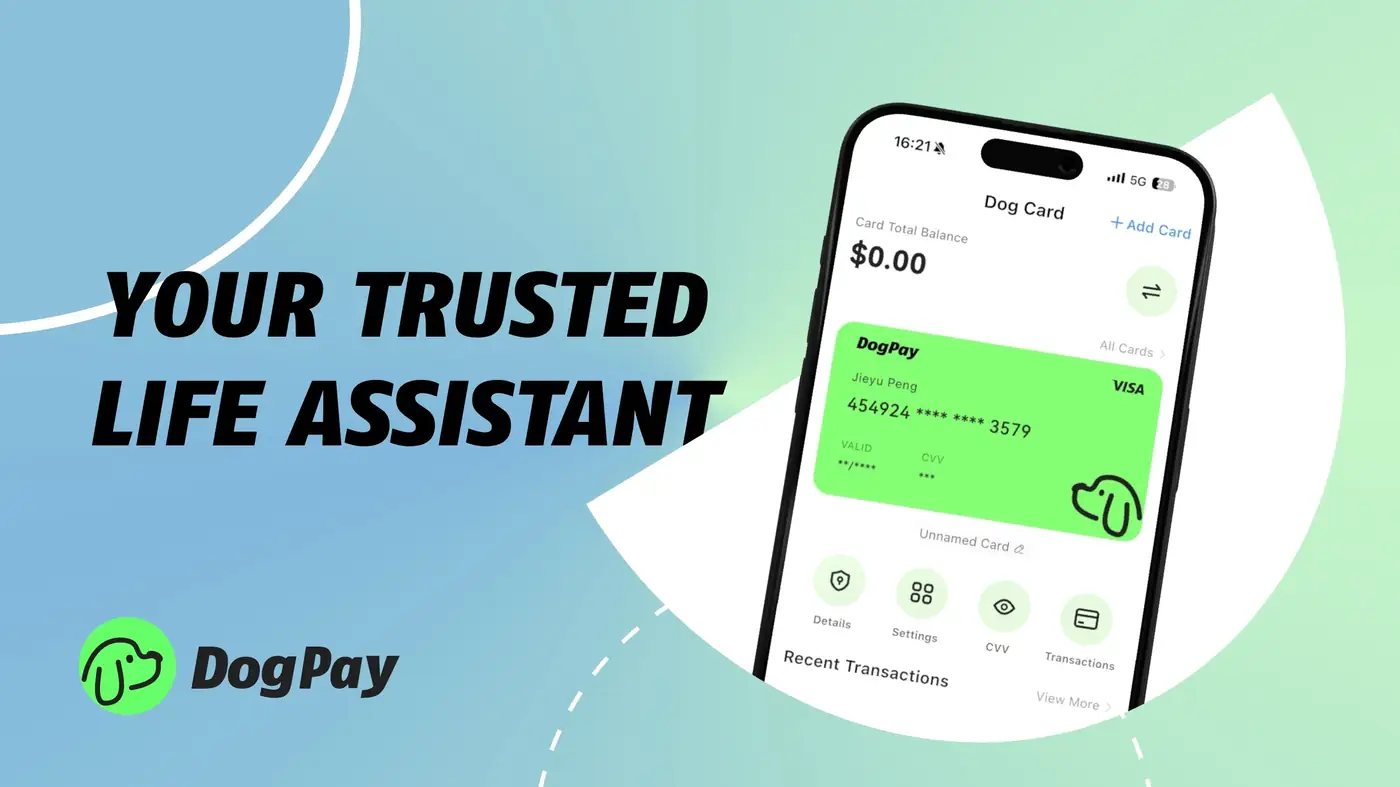
Businesses using Vercel for hosting and serverless functions need a reliable payment method for their monthly bills. A DogPay virtual card offers a flexible way to pay Vercel billing without linking a traditional bank account. Here's how it works: 1) Create a DogPay virtual card through the dashboard. 2) Fund the card with stablecoins (like USDC) via your global account. 3) Enter the card details in Vercel's billing section as your primary payment method. DogPay provides dedicated virtual cards for each subscription or team, giving you better spend visibility and control. Each card can have its own spending limits and metadata, making it easier to track cloud costs by project or department. With DogPay's payment infrastructure, you can settle payments in stablecoins, which can reduce conversion fees and settlement delays common with traditional cross-border payments. While DogPay supports card payments for Vercel, acceptance depends on the merchant's current card network policies. DogPay does not guarantee automatic top-ups; you need to manually add funds before billing cycles. For recurring Vercel bills, you can set up multiple cards to avoid service interruptions, as long as the card holds sufficient balance. DogPay also offers global accounts that can hold multiple currencies and stablecoins, allowing you to manage your cloud spend from one platform. However, DogPay is not a bank and does not provide FDIC insurance; its services are based on web3 payment rails and wallet infrastructure. By using DogPay for Vercel billing, you can streamline payment operations, maintain better control over cloud expenses, and leverage stablecoin settlement for faster, low-cost transactions. Always test a small payment first to confirm compatibility, as Vercel may verify card details before accepting them as a payment method. DogPay is a tool to help you manage payments, but it does not guarantee approval or acceptance by every merchant.