 DogPayCard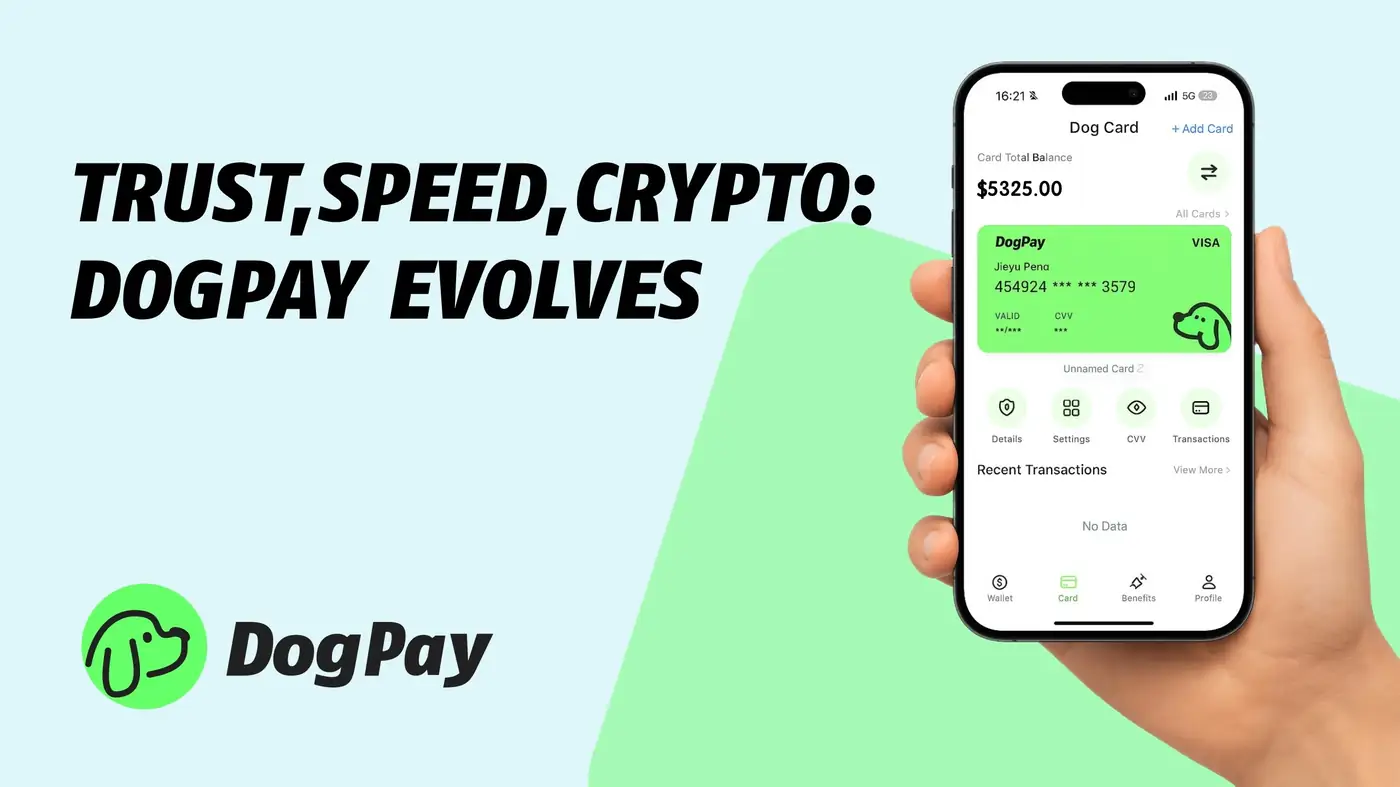
Introduction
Many businesses start with Venmo Business for its convenience, but its limitations become clear as they grow. If you need to pay international suppliers, manage multi-currency subscriptions, or give teams controlled spending tools, you may have outgrown Venmo. This guide covers how to close your Venmo business account and transition to a platform designed for global operations—like DogPay.
Why Businesses Outgrow Venmo
Venmo Business works well for simple domestic transactions, but it lacks core features for international commerce. You can’t send cross-border payments, hold foreign currencies, or issue virtual cards to team members. For ecommerce sellers, SaaS companies, or remote teams, these gaps become costly and time-consuming. Instead of patching together multiple tools, many businesses switch to a unified global payments platform.
Common Scenarios That Trigger a Switch
You might be ready to close your Venmo business account if you face any of these challenges: • You need to pay overseas contractors or suppliers in local currencies. • You want to control spending by issuing virtual cards with set limits. • You run subscriptions or ad campaigns that require recurring cross-border payments. • You sell globally and need to collect payments in multiple currencies. • Your team needs separate cards for travel, software, or ad spend, with real-time visibility.
In each case, a platform like DogPay fills the gaps by offering virtual cards, global transfers, and spend controls in one place.
How to Close Your Venmo Business Account
Closing your Venmo business account is straightforward, but you must settle all pending activity first. Here are the key steps:
1. Settle all outstanding payments. Ensure no incoming or outgoing transactions are pending, and resolve any open cases. 2. Tap your profile icon to go to the “Me” tab, then open Settings. 3. Under Preferences, select Account. 4. Choose “Close Venmo Account.”
If you want to keep your personal Venmo account active while removing only the business profile, you’ll need to contact Venmo support directly. Once closed, the business account cannot be reactivated.
What to Do Before You Close
Before initiating the closure, export your transaction history for records. Also, update any recurring billing or auto-pay links that use Venmo to avoid disruptions. If you rely on Venmo for checkout on your website, integrate a new payment gateway ahead of time. These steps ensure a clean transition.
What Makes a Strong Venmo Alternative for Global Business
A modern replacement should handle more than just peer-to-peer payments. Look for these capabilities: • Multi-currency accounts that let you hold, send, and receive in dozens of currencies. • Virtual and physical cards that you can issue instantly with customizable spending rules. • Centralized billing and payment collection for ecommerce or recurring services. • Low, transparent fees on foreign exchange and international transfers. • An easy-to-use dashboard that shows all company spending in real time.
DogPay delivers all of this, making it a natural next step after Venmo Business.
How DogPay Fits Your New Workflow
DogPay is built for businesses that operate across borders. With DogPay, you can pay suppliers in their local currency, issue virtual cards to your marketing team with daily limits, and reconcile all transactions in one dashboard. For SaaS companies, DogPay automates recurring billing and lets you collect payments from international customers seamlessly. Ecommerce merchants can manage payouts and inventory costs without excessive currency conversion fees.
Spend Control and Team Finance Reinvented
One of DogPay’s standout benefits is spend control. Unlike Venmo, where payments are loosely tracked, DogPay gives you precise control over who spends what. You can create virtual cards for each team member or project, set category restrictions, and freeze cards instantly. This is especially useful for remote teams managing ad spend, cloud billing, or supplier payouts. Finance teams gain transparency and reduce fraud risk.
Virtual Cards for Ad Spend and Cloud Billing
If you run online ads or rely on cloud services, DogPay’s virtual cards fit perfectly. Generate cards for each ad platform or cloud provider, with limits that prevent overspend. When a campaign ends, deactivate the card without affecting other payments. This granularity is impossible with a basic Venmo business account, but essential for serious digital operations.
Global Payments Without the Guesswork
Venmo doesn’t support international transfers. DogPay, on the other hand, handles cross-border payments as a core feature. Whether you’re paying freelancers in Europe, settling supplier invoices in Asia, or collecting from customers in South America, DogPay provides local account details and competitive exchange rates. Your money moves quickly and predictably, without hidden fees.
Conclusion: Why DogPay Is the Logical Next Step
If you’ve decided to close your Venmo business account, you’re already thinking beyond domestic convenience. DogPay is the platform that helps you scale globally, control spending, and simplify your financial operations. It’s designed for businesses that need more than a payment app—they need a full-stack tool for virtual cards, global transfers, recurring billing, and expense management. Whether you’re a growing startup or an established ecommerce brand, DogPay gives you the infrastructure to pay, collect, and manage money across borders with ease. Move beyond Venmo’s limits and take control of your global finances today.
How DogPay fits this workflow
For companies handling cross-border supplier payments, international operations, or global payouts, DogPay can serve as a more operationally aligned payment layer for modern business teams.

