 DogPayCard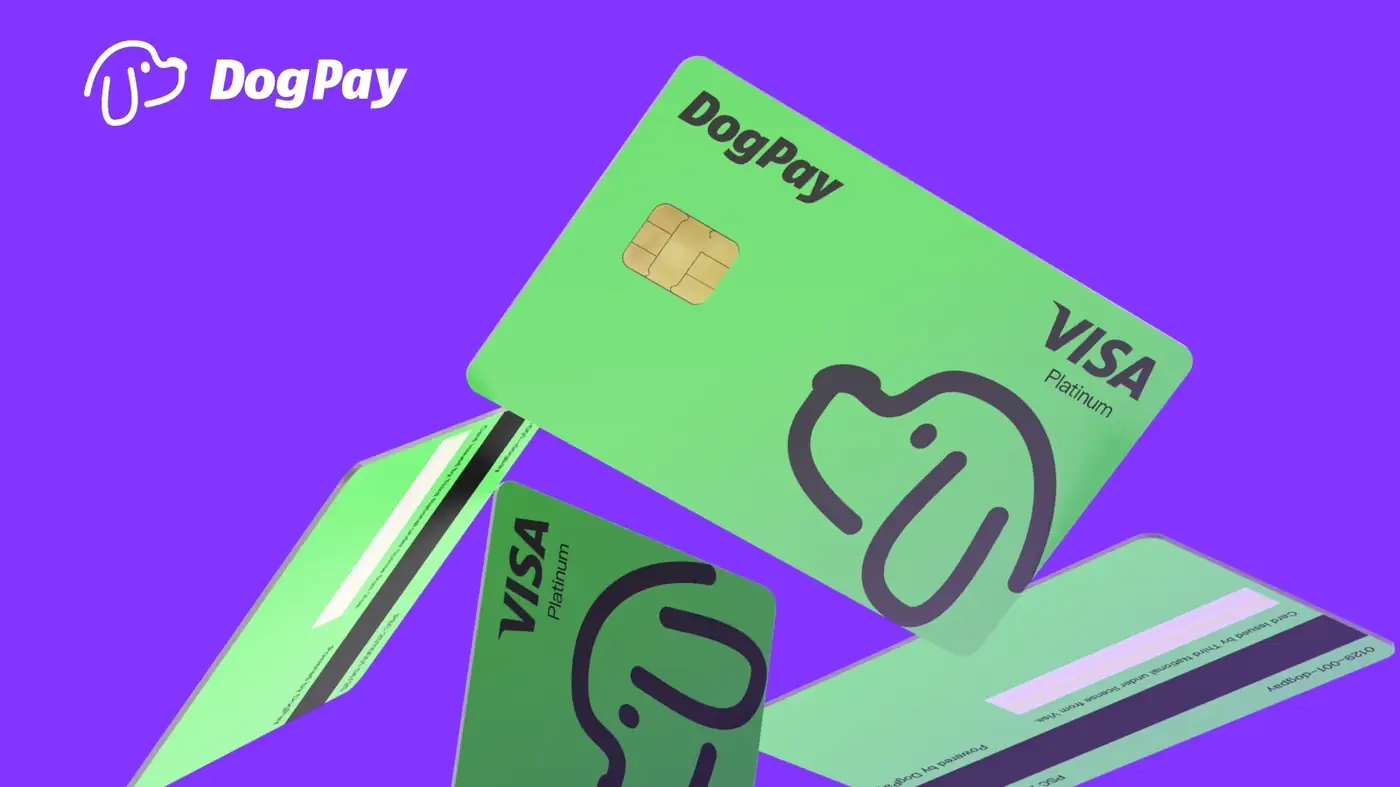
A declined SaaS payment card usually points to one of a few causes: issuer fraud rules, mismatched billing details, currency mismatch, insufficient balance, or a merchant that rejects certain card types or regions. The first step is to read the decline reason and correct what you can. The second is to give the payment a more suitable funding path.
How businesses can use DogPay for SaaS card declines:
1. Issue a dedicated virtual card for the subscription. A card used only for one vendor is easier to monitor and less likely to be frozen by unrelated activity.
2. Match the card to the merchant's billing currency where supported. Currency alignment can reduce avoidable declines caused by cross-border processing.
3. Fund from a global account or stablecoin settlement balance. This can help when local bank rails are slow or when the team needs to move value across borders.
4. Keep cards and limits under spend controls. Set per-card limits, review transaction history, and replace a card if a merchant declines it repeatedly.
5. Update billing details with the new card and retry. If the SaaS vendor supports multiple payment methods, keep a backup card assigned to that vendor.
DogPay fits into this workflow as payment infrastructure: dedicated virtual cards, global accounts, stablecoin settlement, wallet and payment operations, and spend visibility. It can help teams route SaaS payments through a controlled card while keeping records visible. Approval and acceptance depend on the merchant, issuer, region, and compliance checks, so results vary. Use DogPay alongside your existing finance process, not as a promise that every charge will succeed.
For recurring SaaS spend, review declined cards weekly, rotate cards when a vendor changes processors, and keep a small buffer in the funding account. That routine keeps subscriptions active and gives finance a clearer view of where money is going.

