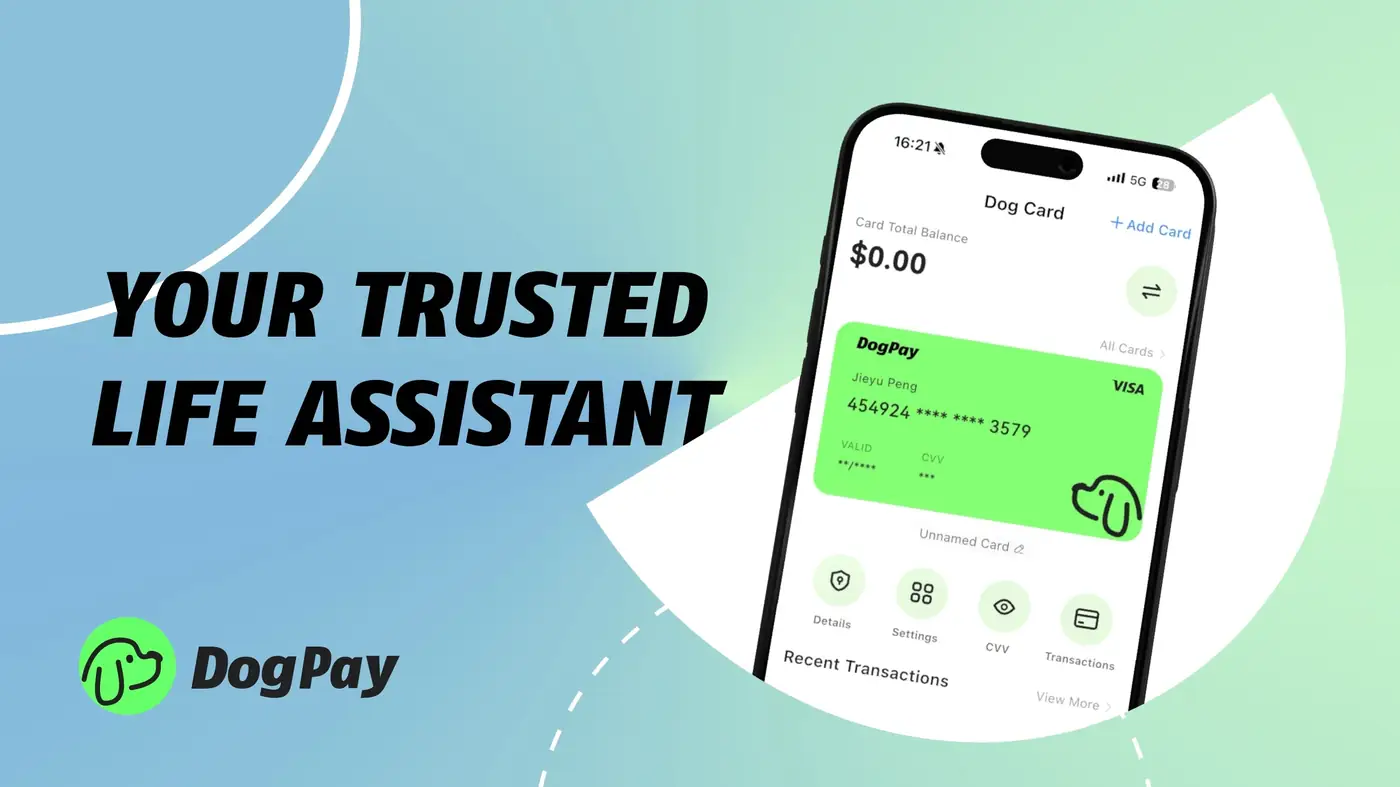
Businesses often look for flexible ways to manage cloud infrastructure costs. Google Cloud accepts credit and debit cards for billing. DogPay offers virtual cards that can be used as a payment method for such subscriptions. To use DogPay for Google Cloud billing, you first create a virtual card in your DogPay dashboard. Then, add that card as a payment method in your Google Cloud billing account. DogPay supports dedicated cards for specific vendors, which helps with tracking and budgeting. You can also use global accounts to manage payments in different currencies. With stablecoin settlement, you can fund your DogPay wallet and convert to fiat when making a card payment. This can be useful for businesses that hold crypto assets and need to pay cloud invoices. DogPay provides a dashboard to monitor transactions and set spending limits. This adds a layer of control over cloud spend. However, acceptance depends on Google Cloud's current card policies. DogPay does not guarantee that a card will always be accepted. Always verify that your card details are entered correctly and that your account has sufficient balance. For teams, DogPay can simplify expense tracking by assigning specific cards to different projects or departments. This helps in reconciling cloud costs. In summary, DogPay's virtual cards offer a practical way to pay for Google Cloud services while keeping payments organized.
Cloud Billing / 5 min read
Paying Google Cloud Bills with DogPay Virtual Cards: What to Know
Learn how DogPay virtual cards can be used as a payment method for Google Cloud billing, including setup, spend control, and settlement options.

DogPayCard Editorial