 DogPayCard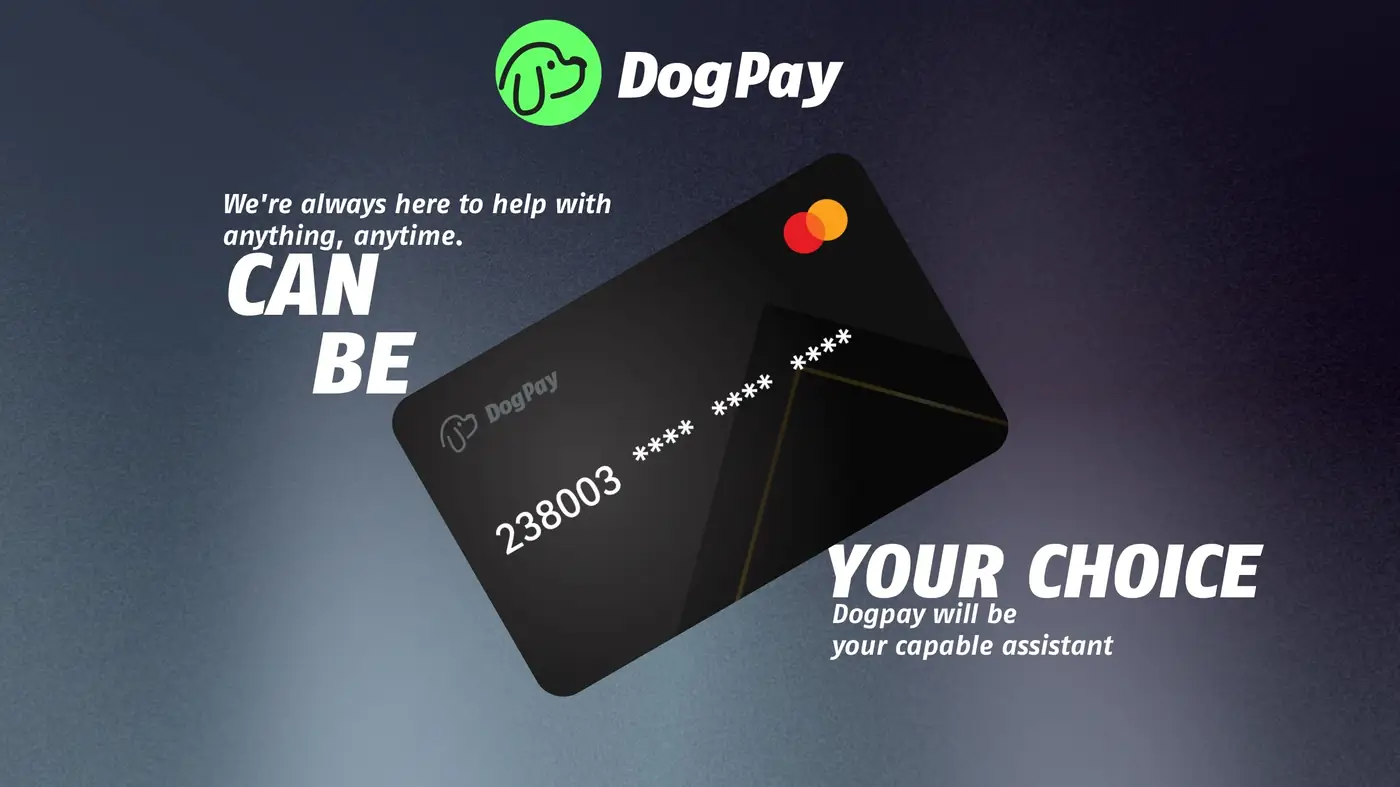
An online payment card decline often happens when a card issuer blocks a charge, limits are reached, or fraud checks trigger. For businesses, the impact is immediate: SaaS renewals, ad accounts, and supplier payments may pause. DogPay can help teams respond with a more controlled payment setup.
First, separate the decline reason from the payment method. If a corporate card is declined, the issue may be with the issuing bank, card limits, or the merchant's risk rules. DogPay virtual cards can give teams dedicated card numbers for specific vendors or use cases, making it easier to see which payment failed and why.
Second, use global accounts and wallet infrastructure to keep funds ready for business payments. Instead of relying on one card across all tools, teams can assign different virtual cards to different services. This supports spend visibility and makes it simpler to pause or replace a card if a merchant declines it.
Third, consider stablecoin settlement where supported. Some businesses use stablecoin balances to fund payment operations more directly. DogPay can help with wallet and payment infrastructure, but settlement availability depends on your setup, region, and compliance checks.
Fourth, build a simple recovery workflow. Check the decline message, confirm available balance or limits, review merchant requirements, and try a dedicated virtual card for that vendor. If the issue is verification, provide the requested business details. If the issue is card-specific, a new virtual card may help isolate the problem.
DogPay fits the payment workflow by offering virtual cards, global accounts, stablecoin settlement, wallet and payment infrastructure, spend visibility, and payment operations support. It does not guarantee approval or merchant acceptance, but it can give businesses more options when an online payment card is declined.

