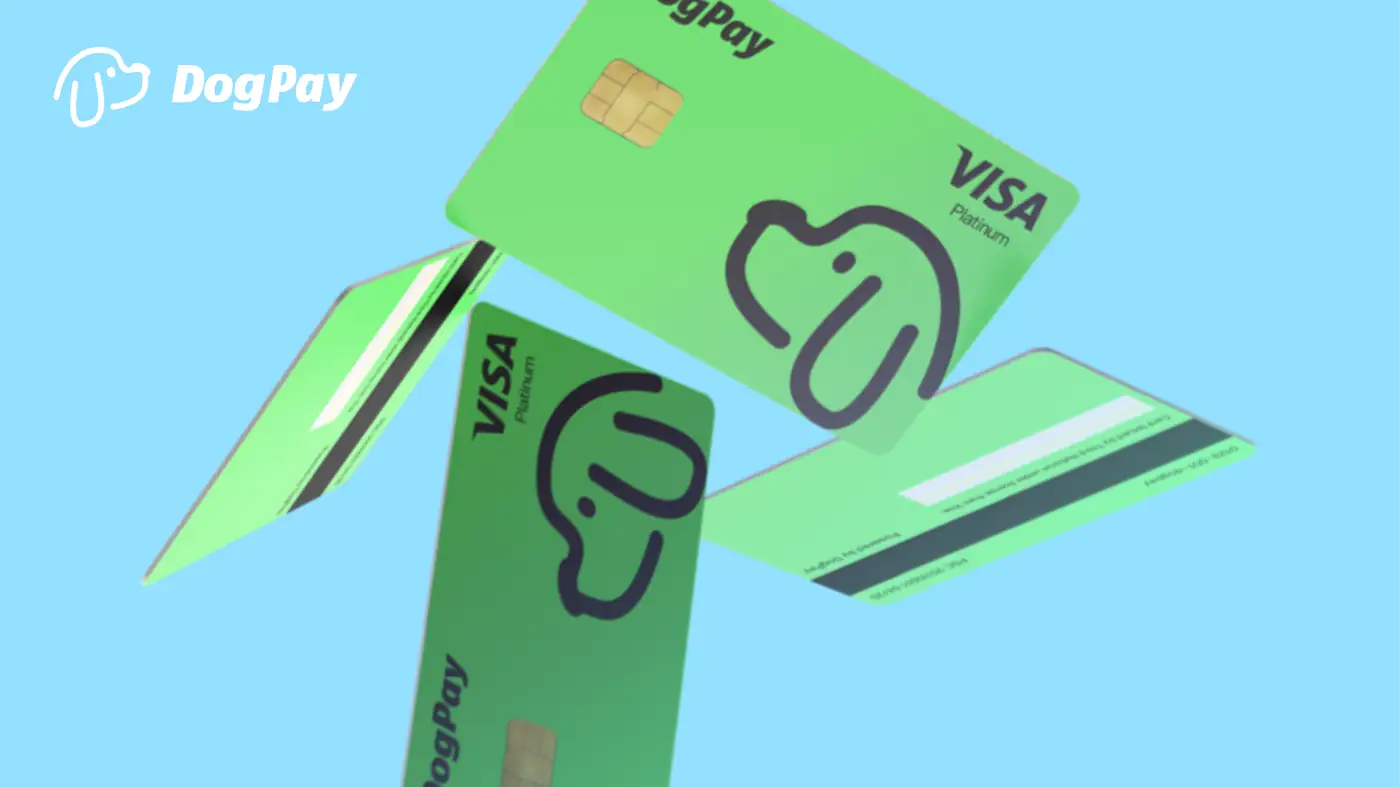
Managing recurring Claude subscription billing across multiple teams or projects can become messy with a single shared card. Businesses often need a way to separate AI tool costs, track usage, and control spend without manual reimbursement or shared account chaos. DogPay virtual cards offer a practical approach by providing dedicated card details for each subscription line item. Once you create a card in your DogPay dashboard, you can assign it to a specific project or team, set a spending limit that aligns with your monthly subscription plan, and use those card details to pay Claude. Because the card is tied to your global account and stablecoin settlement, you avoid cross-currency friction if your business operates internationally. DogPay's wallet and payment infrastructure help maintain a clear audit trail, showing exactly which card paid for which subscription. This supports better budgeting and reduces the risk of duplicated or unauthorized charges. However, remember that while DogPay can help streamline the billing process, approval and acceptance on the merchant side depend on the card network and subscription service's own policies. To get started, fund your DogPay account, generate a virtual card, enter the card details in Claude's billing section, and monitor the transaction through DogPay's dashboard. For teams, consider creating separate cards per project to simplify reconciliation. In summary, DogPay provides the tools—dedicated virtual cards, global accounts, stablecoin settlement, and spend visibility—that make managing Claude subscription payments more organized and controlled for businesses.
Recurring Billing / 5 min read
How Can Businesses Use DogPay Virtual Cards for Claude Subscription Recurring Billing?
Learn how DogPay virtual cards can help businesses manage Claude subscription payments with dedicated cards, spend visibility, and stablecoin settlement.

DogPayCard Editorial