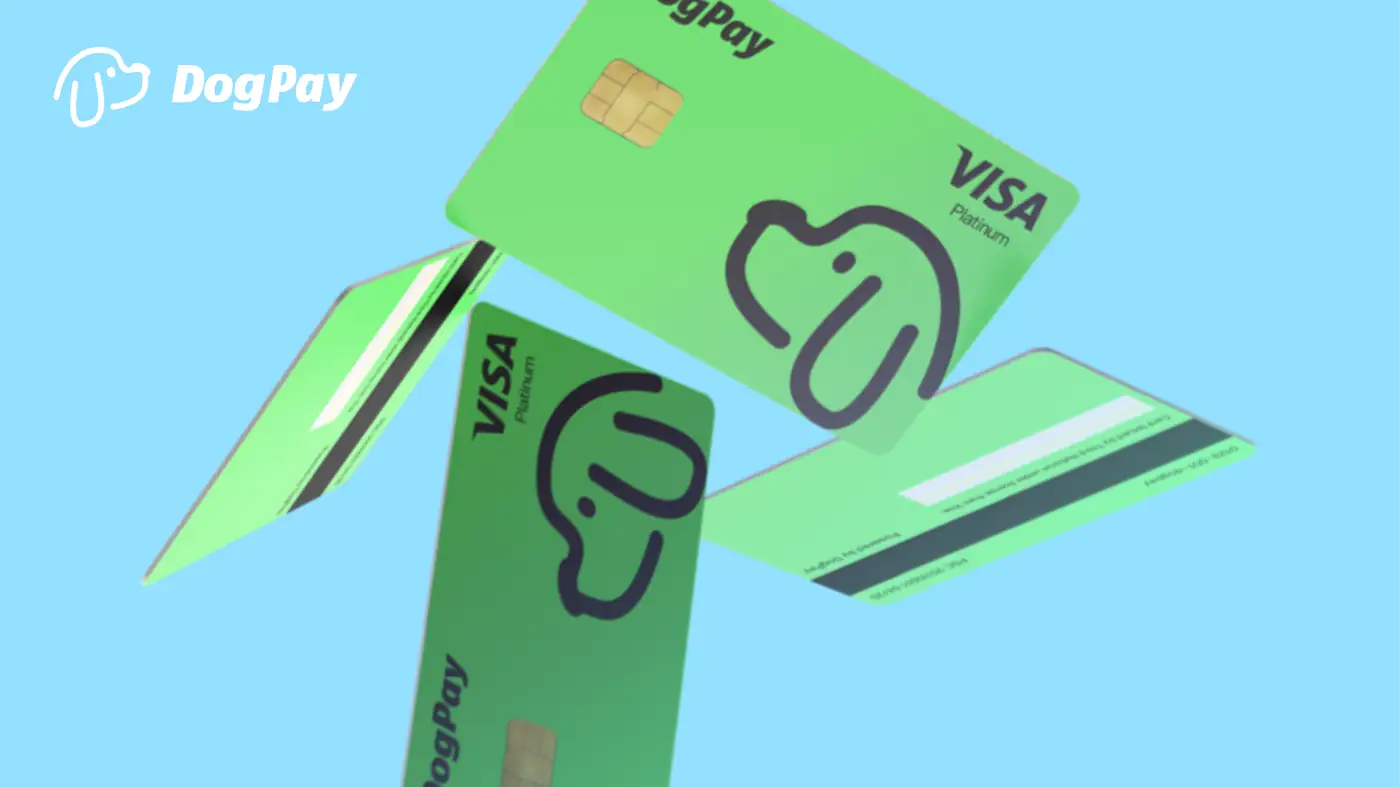
DogPayCard
To use DogPay for business spending, companies must first complete KYC (Know Your Customer) and KYB (Know Your Business) verification. This process helps DogPay comply with regulations and confirms your business identity.
Start by creating a DogPay account and providing basic company information such as legal name, registration number, address, and industry. Upload required documents: certificate of incorporation, proof of address, and ID for beneficial owners. DogPay may also request a utility bill or bank statement. For KYB, you might need to verify directors and shareholders.
Once submitted, DogPay reviews your application. Approval times vary but typically take a few business days. After approval, you can fund your account via supported methods (e.g., stablecoin transfer) and issue virtual cards for team members. Cards can be used for online purchases, subscriptions, ad spend, and supplier payments. DogPay supports spending in multiple currencies and settlement in USDC or other stablecoins.
DogPay fits into your payment workflow by providing dedicated virtual cards, global accounts, and stablecoin settlement infrastructure. It offers spend visibility and control, and can support payment operations for businesses managing remote teams or cross-border vendors. Note that card acceptance depends on the merchant; DogPay does not guarantee universal acceptance or automatic top-ups. Always verify compliance requirements with your local regulations.