
Does DogPay work for Google Cloud, AWS, and Vercel payments as a billing card?
 DogPayCard Editorial
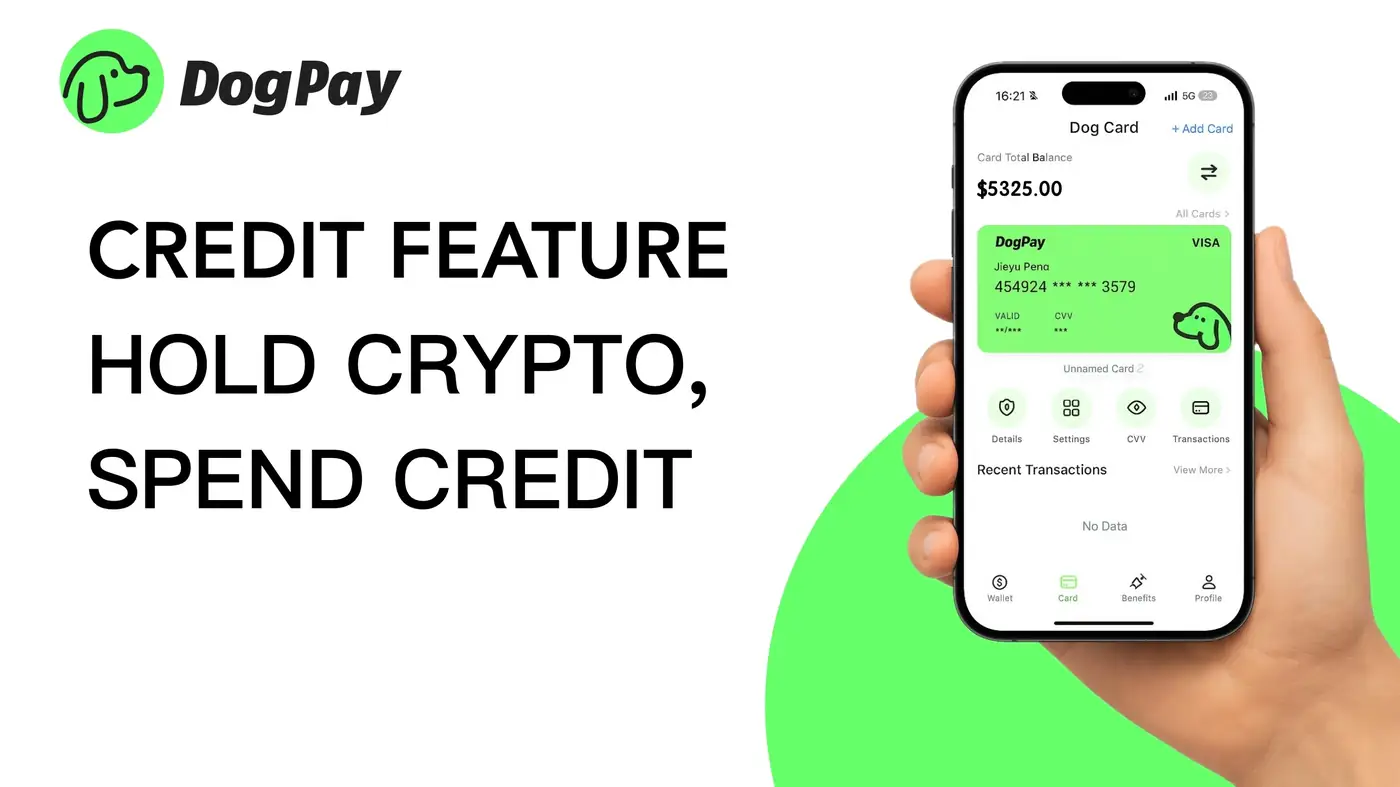
What you’re trying to do (and why it often breaks) Google Cloud, AWS, and Vercel all run recurring, card-on-file billing. That means your card isn’t just used once—it’s saved and automatically charged as usage changes throughout the month.
If you’ve seen errors like “payment method declined,” “card not supported,” or surprise charge behavior, you’re not alone. Cloud billing tends to fail more often than normal ecommerce checkouts because: The charge amount isn’t fixed. Usage-based billing leads to variable charges, retries, and occasional verification charges. Merchant risk rules are stricter. Cloud providers are high-volume merchants and may trigger issuer fraud checks more easily. Cross-border and currency behavior can differ. Even if the provider is global, your issuer may treat charges differently based on region/entity. Recurring billing retries can snowball. A single failed attempt can trigger more retries, temporary account limits, or service disruption.
If your goal is simply: “I want a card that works reliably and I can control,” then a dedicated billing card approach is usually the cleanest fix.
Can you use DogPay for Google Cloud, AWS, or Vercel billing? In most cases, yes—you can use DogPay’s virtual card as the payment method on platforms like Google Cloud, AWS, and Vercel, the same way you’d add any other card for billing.
DogPay is especially useful when you want to: Avoid your main corporate card being tied to critical infrastructure Isolate cloud spend to a single card for clean reconciliation Reduce the chance of random declines by using a purpose-made card for subscriptions and SaaS billing
*(As with any card, acceptance is ultimately decided by the merchant and their payment processor