DogPayCard
Global SaaS payment is harder than it looks. Vendors bill in different currencies, at different times, and often through card rails that may not match your domestic card. A transaction can be declined because of currency, risk checks, or a limit. When that happens, access to critical software may pause while finance tries to fix it.
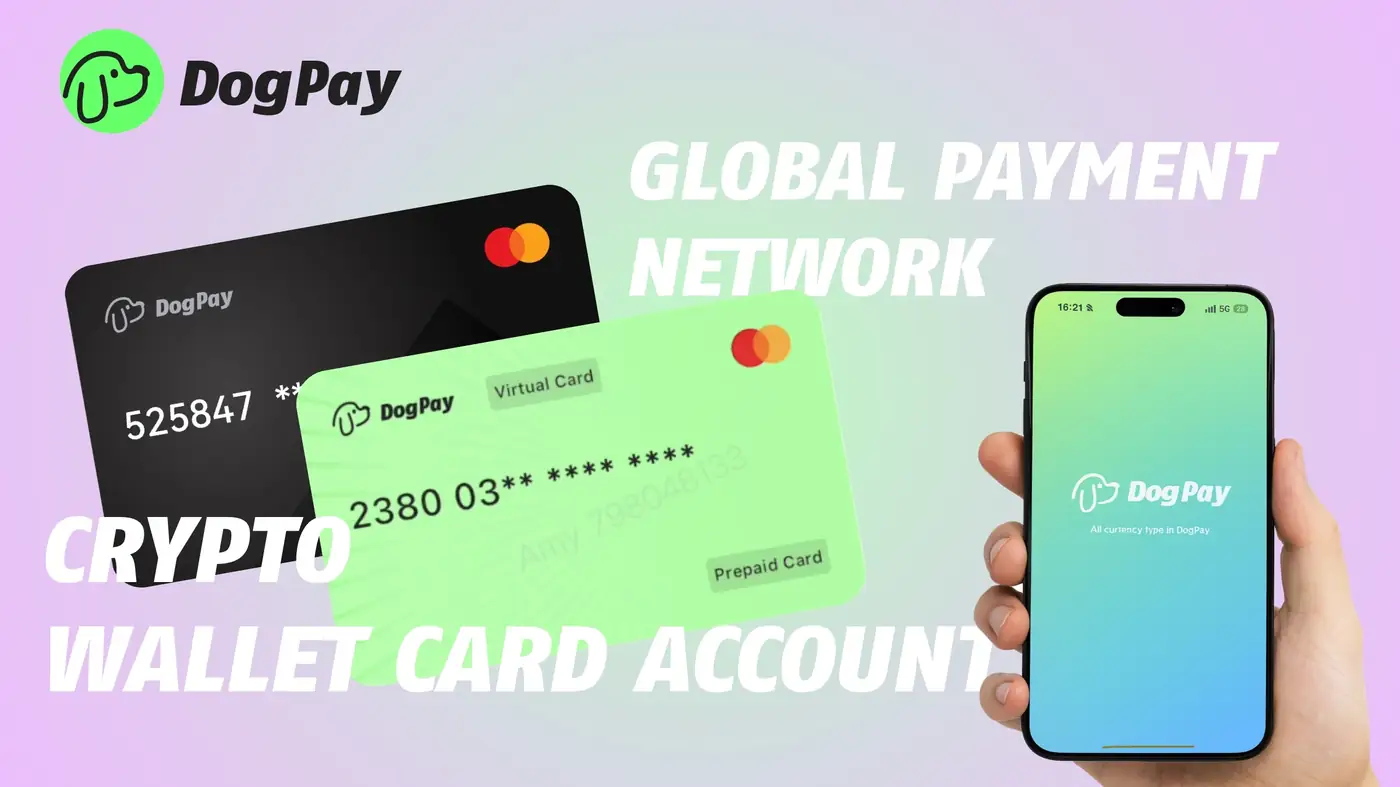
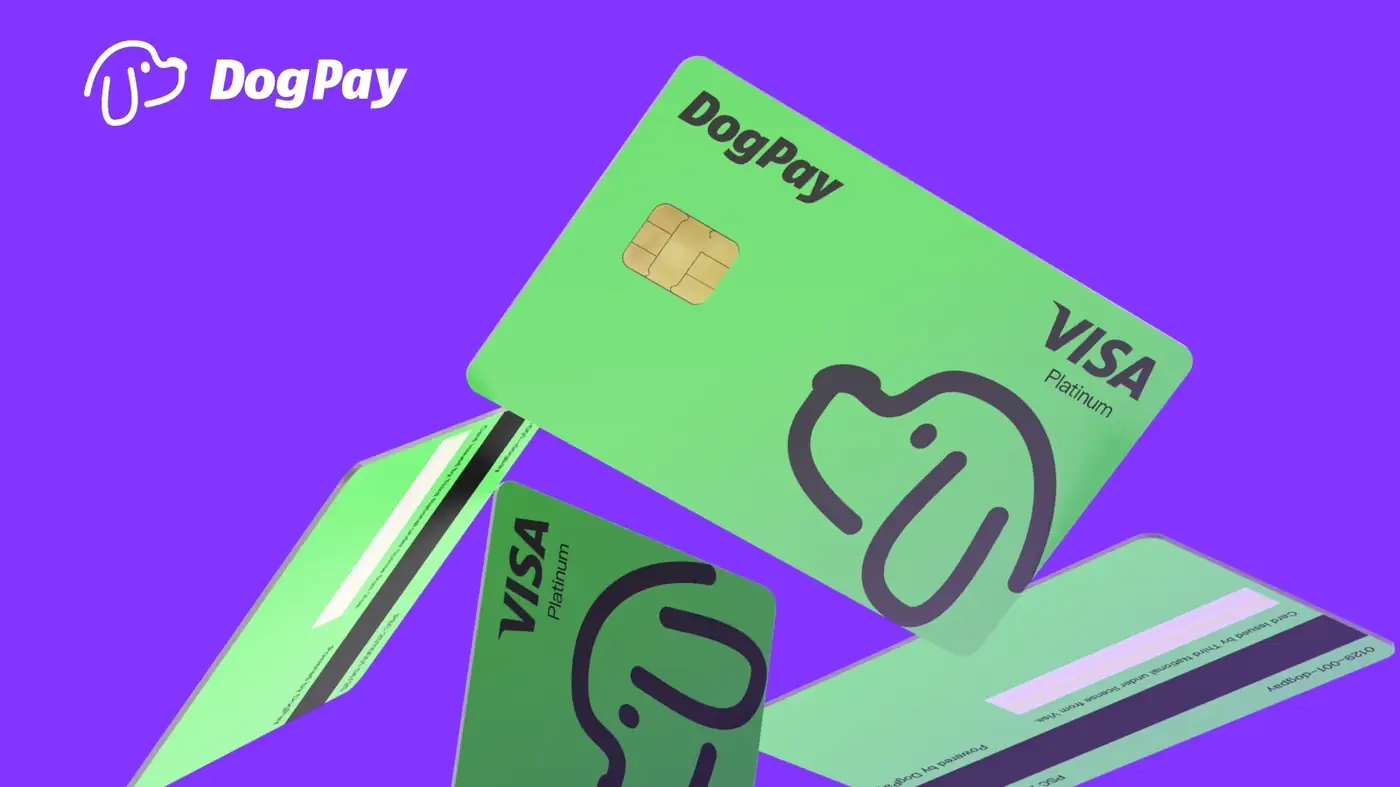
DogPay can help businesses manage global SaaS payments by combining virtual cards, global accounts, stablecoin settlement, and wallet/payment infrastructure into a clearer payment workflow. Instead of sharing one company card across many tools, teams can use dedicated cards for specific vendors or categories. That makes it easier to see which subscription, region, or team is driving spend.
For spend control, a practical setup includes:
1. Map your SaaS stack. List vendors, billing currencies, renewal dates, and owners. 2. Use dedicated cards. Assign cards by vendor, department, or cost center so charges are easier to trace. 3. Set limits carefully. Card limits and funding rules can help reduce surprise charges, subject to your DogPay configuration and vendor behavior. 4. Plan for declines. Keep a backup payment method or alternative card ready for urgent vendors, since declines can still happen. 5. Review regularly. Check card activity, pending charges, and renewal dates to catch unused seats or duplicate tools.
Stablecoin settlement and global accounts may help teams move value across borders where supported, while payment operations can improve visibility into who paid what. This does not replace accounting advice or compliance review, and availability depends on your region and DogPay account setup.
DogPay fits the workflow as a payment layer for global SaaS and vendor spend: dedicated cards for cleaner attribution, global account and stablecoin settlement options where available, and spend visibility for finance teams. It can help businesses respond to payment issues with more structure, though approval, acceptance, and transaction success depend on vendors, card networks, and account configuration.