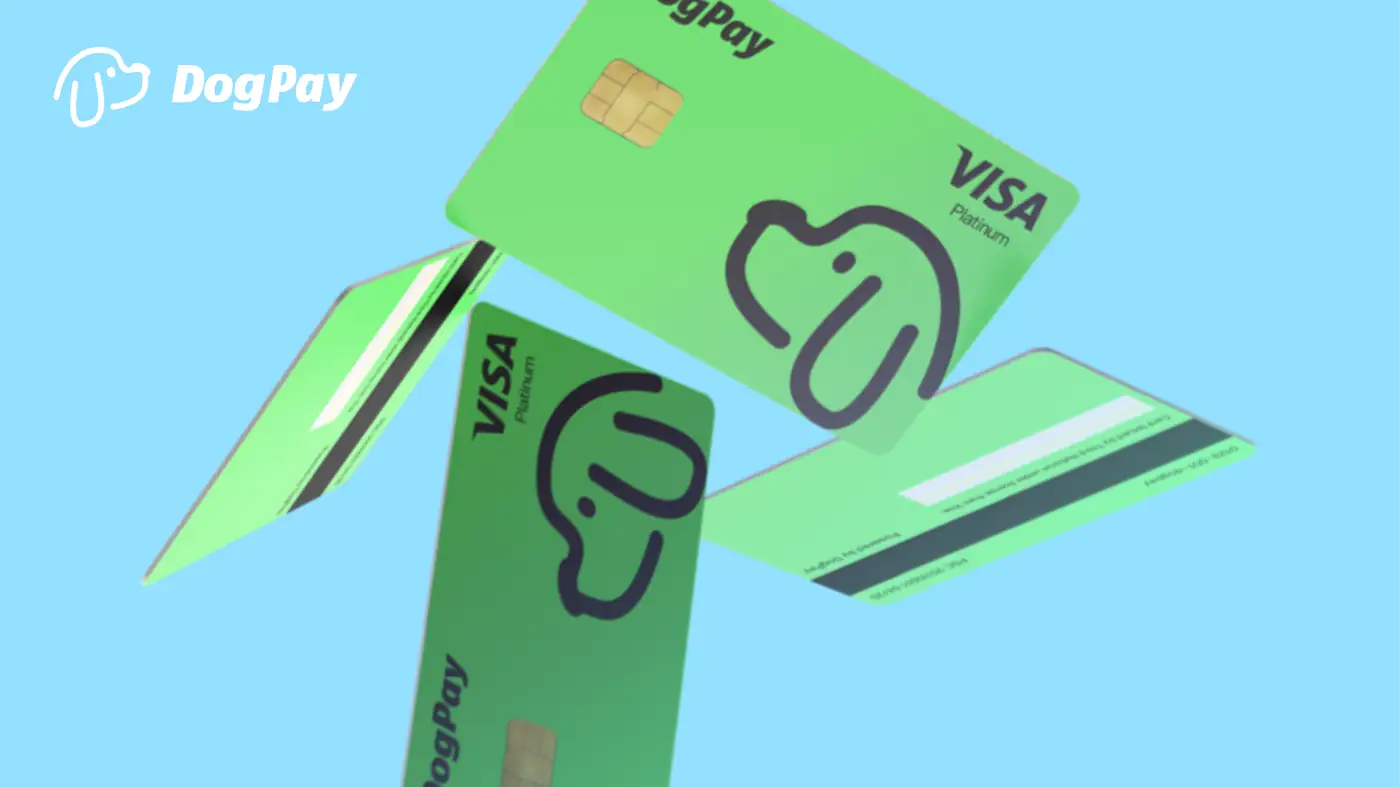
DogPayCard
When a subscription payment fails, it can interrupt essential services and create administrative overhead. Businesses using DogPay for recurring billing can take several practical steps to manage such situations effectively.
First, check the card details in the DogPay dashboard. Ensure the card has sufficient balance for the upcoming charge, as insufficient funds are a common cause of failed payments. Also, verify that the card's expiration date and CVV are correctly entered in the vendor's billing system.
Second, use DogPay's spend visibility tools to monitor transaction statuses. Real-time transaction logs can help you spot a failed attempt quickly, allowing you to respond before service disruption. If a payment fails, you can update the card information with the vendor or contact support to retry the charge.
Third, consider setting up dedicated virtual cards for each subscription service. This practice isolates spending and simplifies tracking. If a particular vendor repeatedly fails, you can easily pause or cancel that card without affecting other subscriptions.
Finally, maintain a contingency plan. Keep a secondary funding source or a buffer in your DogPay account to cover unexpected charges. While DogPay can help you manage recurring billing more efficiently, it cannot prevent all failures, as external factors like vendor system issues or network problems may occur.
DogPay offers a practical solution for businesses dealing with subscription payment failures. With DogPay, you can issue virtual cards, manage global accounts, and use stablecoin settlement for faster and more flexible payments. The wallet and payment infrastructure provide spend visibility and control, helping you streamline payment operations and reduce friction in recurring billing processes.