
How to Use a DogPay Virtual Card for Vercel Billing Payments
 DogPayCard Editorial
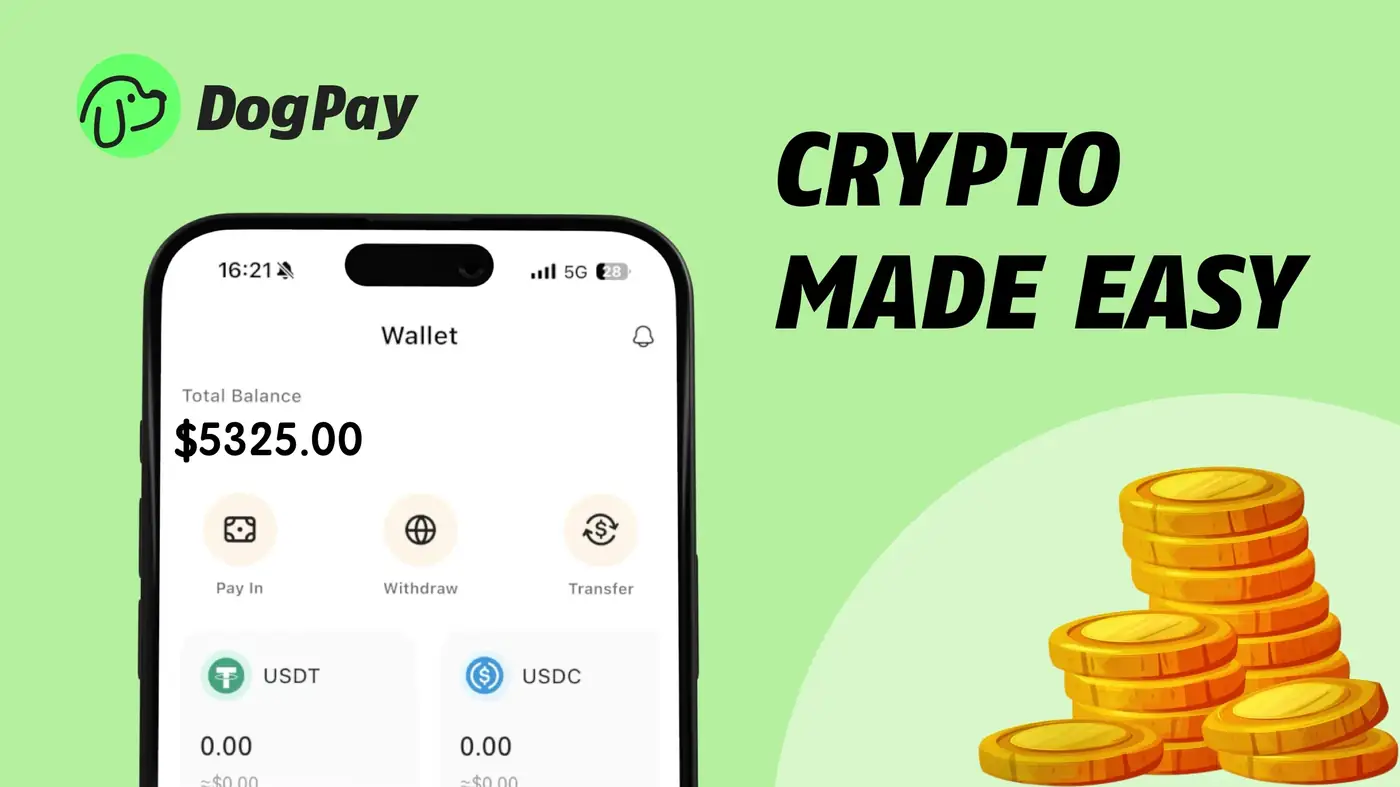
Managing Vercel billing can be challenging for businesses with global teams. DogPay offers a practical solution through its virtual card and global account infrastructure. To get started, businesses first open a DogPay global account and fund it via stablecoin settlement (e.g., USDC/USDT). Once funded, they generate a dedicated virtual card specifically for Vercel billing. The card details are entered into the Vercel billing portal just like any other credit card. DogPay virtual cards support real-time spend visibility, allowing teams to track Vercel costs without manual reconciliation. Businesses can set spending limits per card, which helps avoid unexpected charges. Since DogPay operates with stablecoin settlement, international businesses avoid traditional FX fees and delays. The platform also provides wallet/payment infrastructure for managing multiple cards across different cloud providers. While DogPay does not guarantee automatic top-ups or integration with Vercel, the virtual card can be used as a standard payment method. For recurring monthly bills, businesses simply keep their DogPay account funded. This approach works well for SaaS companies that need to pay Vercel invoices in USD but operate with crypto or multi-currency treasuries. DogPay helps simplify the payment workflow by offering dedicated cards for specific expenses, stablecoin settlement to reduce conversion costs, and clear spend visibility through its dashboard. Businesses should test card acceptance with a small transaction first, but Vercel generally accepts major prepaid and virtual cards. With DogPay, teams can maintain better control over cloud infrastructure spending while benefiting from global payment capabilities.