 DogPayCard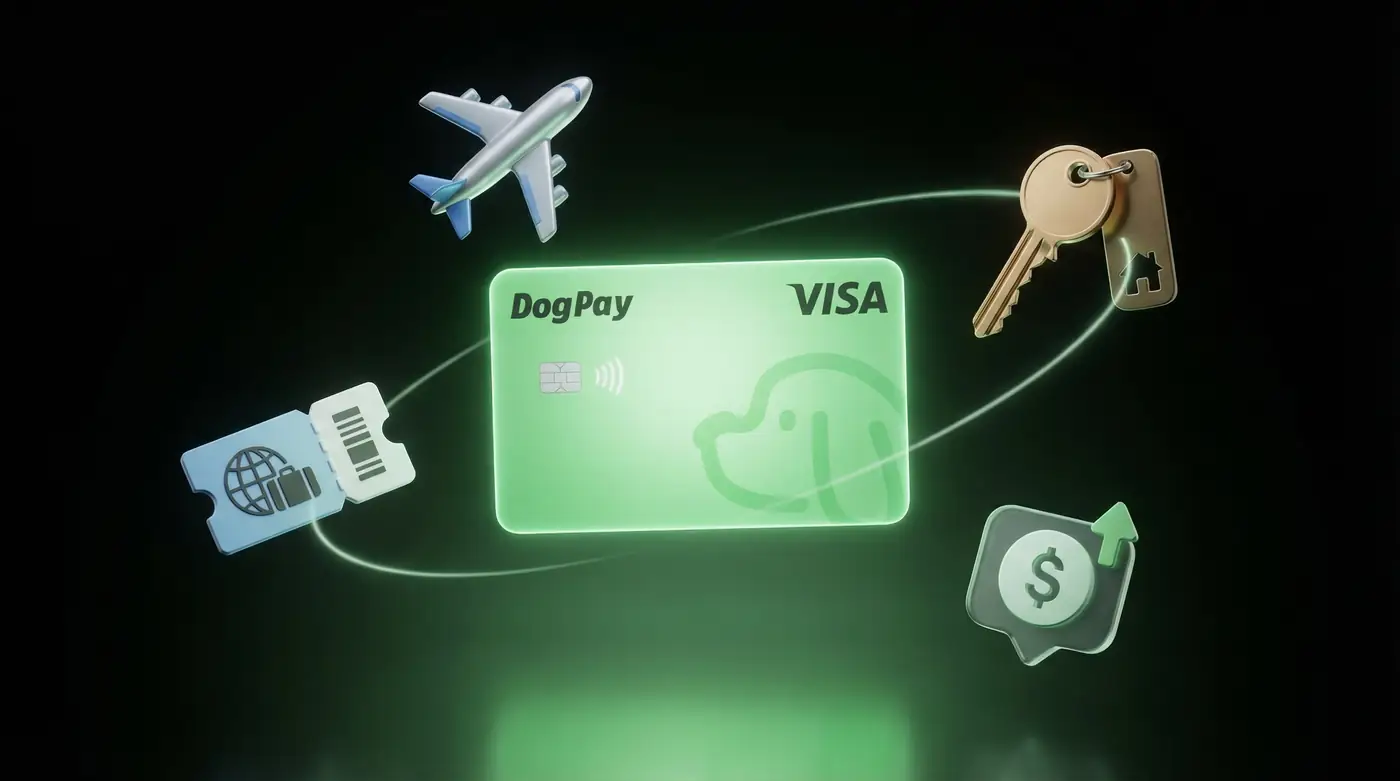
When your business needs to pay overseas suppliers, contractors, or SaaS tools, a DogPay USD virtual card can simplify the process. Instead of using a traditional bank card with unpredictable foreign exchange fees, you can generate a dedicated virtual card funded via stablecoin settlement, which may help you manage costs and reduce currency conversion surprises.
Here’s how to use DogPay for international payments:
1. Top up your DogPay global account with USDC or other supported stablecoins. Funds convert to USD, and you can create virtual cards linked to that balance. 2. Issue separate cards for each vendor or subscription. This keeps spending organized and lets you set limits per card, improving control. 3. Use the card wherever USD virtual cards are accepted – but note that merchant acceptance varies, and not all international sellers may support virtual cards. Always check with the vendor. 4. Monitor transactions in real time. DogPay provides spend visibility, so you can see charges immediately and reconcile payments more easily.
For recurring international services, you can assign a specific card to each subscription. If you need to pause or stop a payment, you can freeze or close the card directly from your dashboard – no need to contact your bank.
DogPay is not a bank, but it offers a payment infrastructure that can complement your existing financial stack. It is especially useful for teams that already use stablecoins and want to streamline cross-border payouts without waiting for traditional banking delays.
DogPay fits your workflow by providing a secure wallet, global accounts, and stablecoin settlement. You can fund your USD virtual cards in minutes, manage them with granular controls, and keep all international payments in one place – all while maintaining clarity through detailed spend reports. For businesses looking to pay globally with digital assets, DogPay offers a practical and flexible solution.

