
How to Set Up a Virtual Card for Google Cloud Billing with DogPay
 DogPayCard Editorial
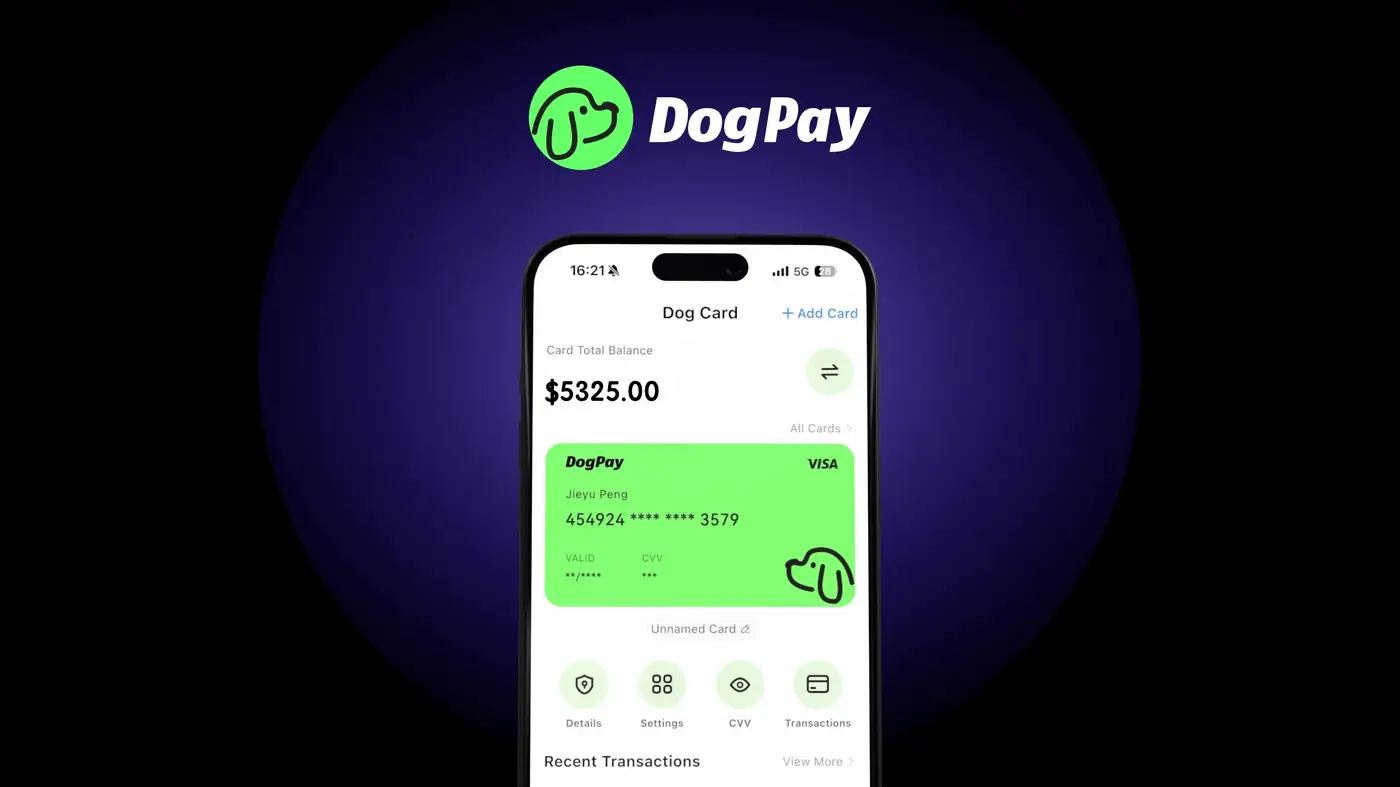
If your business relies on Google Cloud services, having a reliable payment method for monthly billing is essential. Traditional credit cards may incur foreign transaction fees or have spending limits that disrupt operations. DogPay offers a practical alternative: virtual cards linked to a global account that supports stablecoin settlement.
To get started, you first need a DogPay account. After completing verification, you can create a dedicated virtual card specifically for Google Cloud billing. This card can be set with a custom spending limit and used only for cloud costs, helping you track expenses more accurately.
DogPay virtual cards are accepted by Google Cloud as a standard credit card. When you add the card to your Google Cloud billing account, you can assign it as the primary payment method. Because DogPay supports stablecoins (like USDC) for funding, you can load the card with digital assets and settle payments without traditional banking delays. This is especially useful for businesses operating across borders, as it reduces currency conversion costs and speeds up reconciliation.
Spend visibility is another benefit. DogPay provides real-time transaction data, so you can monitor cloud usage and budget accordingly. No automatic top-ups are required; you refill the card manually or via a set process.
DogPay fits into this workflow by offering dedicated virtual cards, global account capabilities, stablecoin settlement, and spend management tools. It helps businesses streamline Google Cloud payments while maintaining control over international spending. Always check Google Cloud's accepted payment methods and confirm that DogPay cards work for your account type before switching.