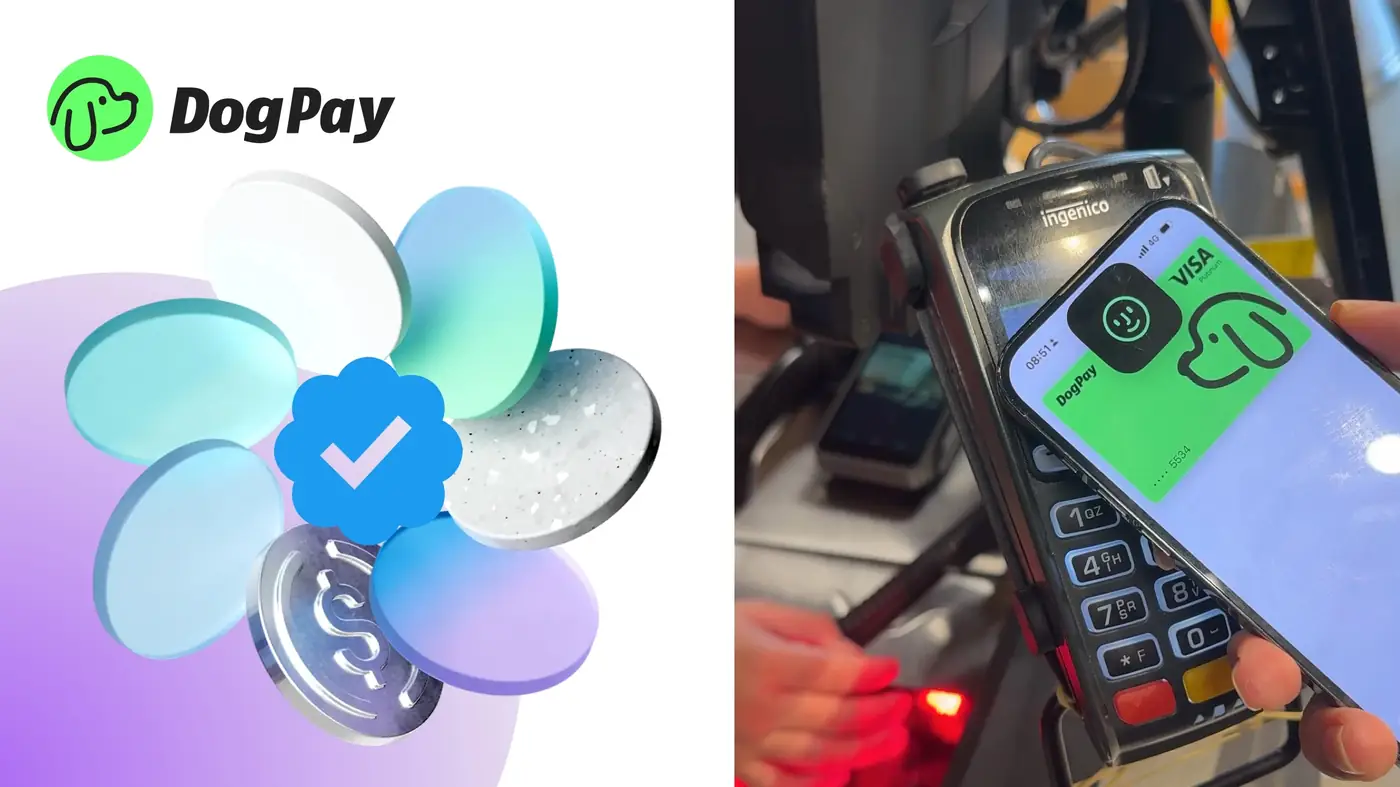
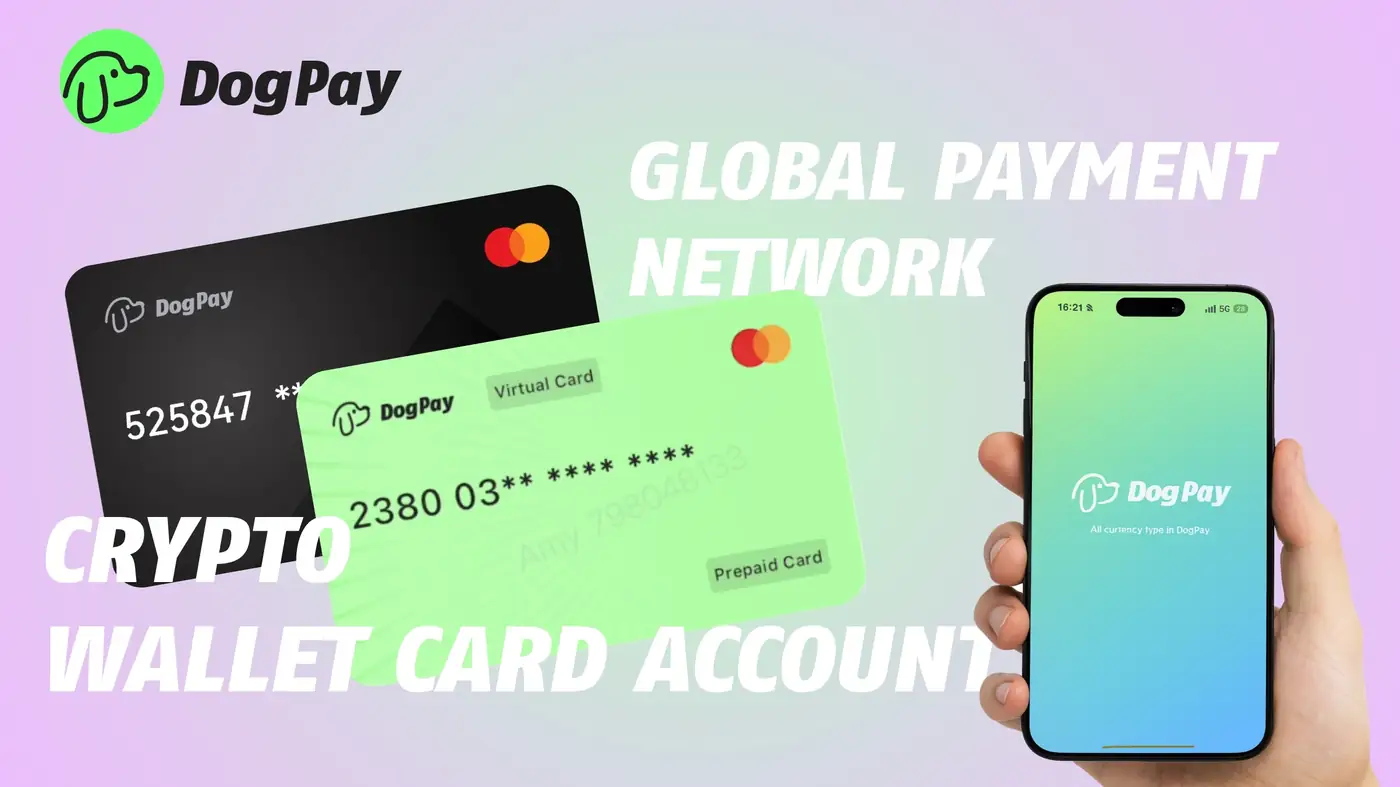
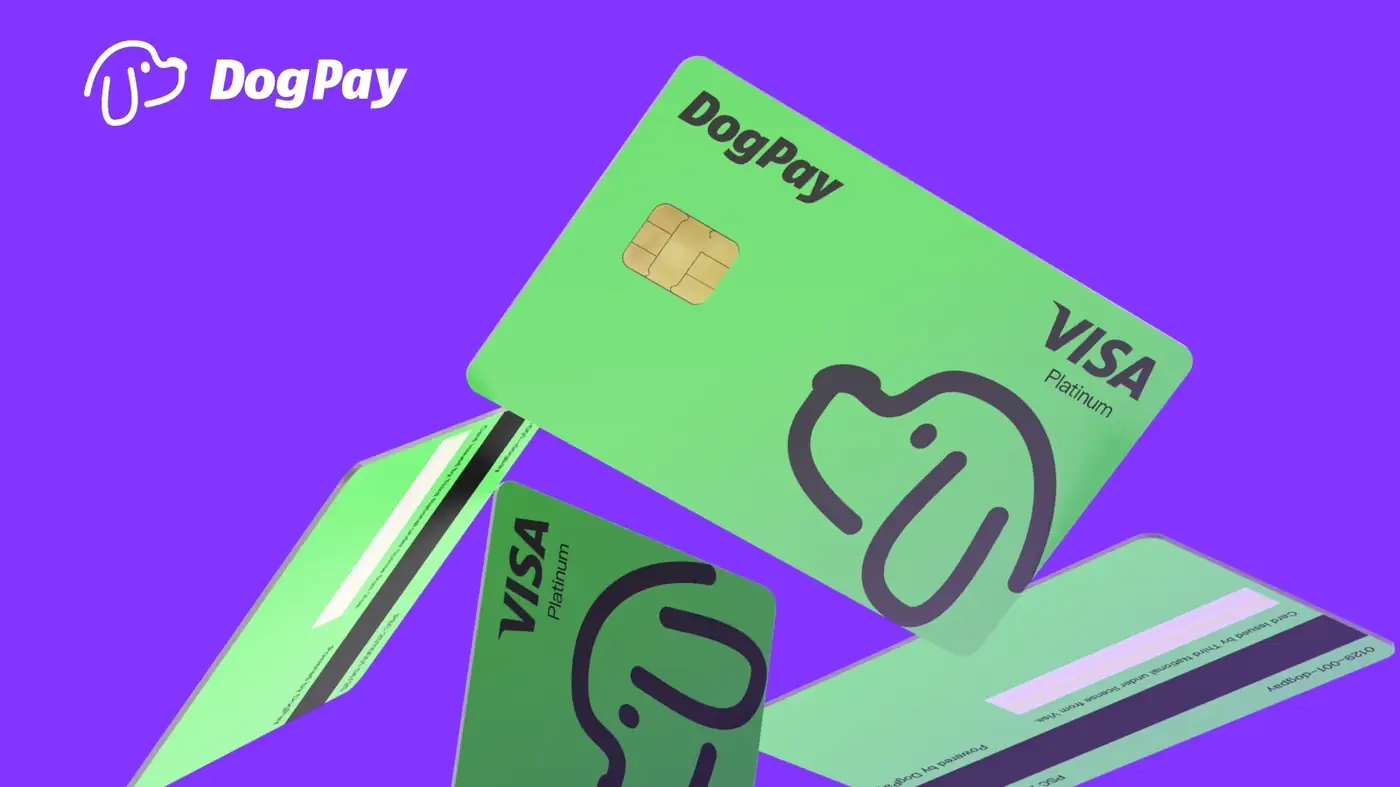
DogPay physical cards let businesses make purchases at physical retail locations, restaurants, and other in-person merchants. To use a DogPay physical card, a company first funds their DogPay global account with USDC or other supported stablecoins. Once the account has a balance, the business can issue physical cards to employees or for specific departments. Each card can have spending limits, merchant category controls, and transaction alerts set via the DogPay dashboard. When an employee makes a purchase, the card draws from the stablecoin balance, and settlement happens on-chain, providing a clear audit trail. Businesses can also freeze or cancel cards instantly if a card is lost or misused. DogPay's physical cards work at any merchant that accepts standard debit or prepaid cards, making them suitable for travel expenses, office supplies, client meetings, and other offline costs. The wallet infrastructure supports real-time balance checks, so teams can stay within budget. By using DogPay, companies can manage in-store spend with dedicated cards, maintain spend visibility through transaction history, and leverage stablecoin settlement to reduce currency conversion delays. This setup helps streamline payment operations for physical purchases without relying on traditional bank cards or corporate credit lines.
Spend Control / 5 min read
How to Use DogPay Physical Cards for In-Store Business Spend
Learn how businesses can leverage DogPay physical cards for offline purchases, with stablecoin funding and spend controls for in-store expenses.

DogPayCard Editorial